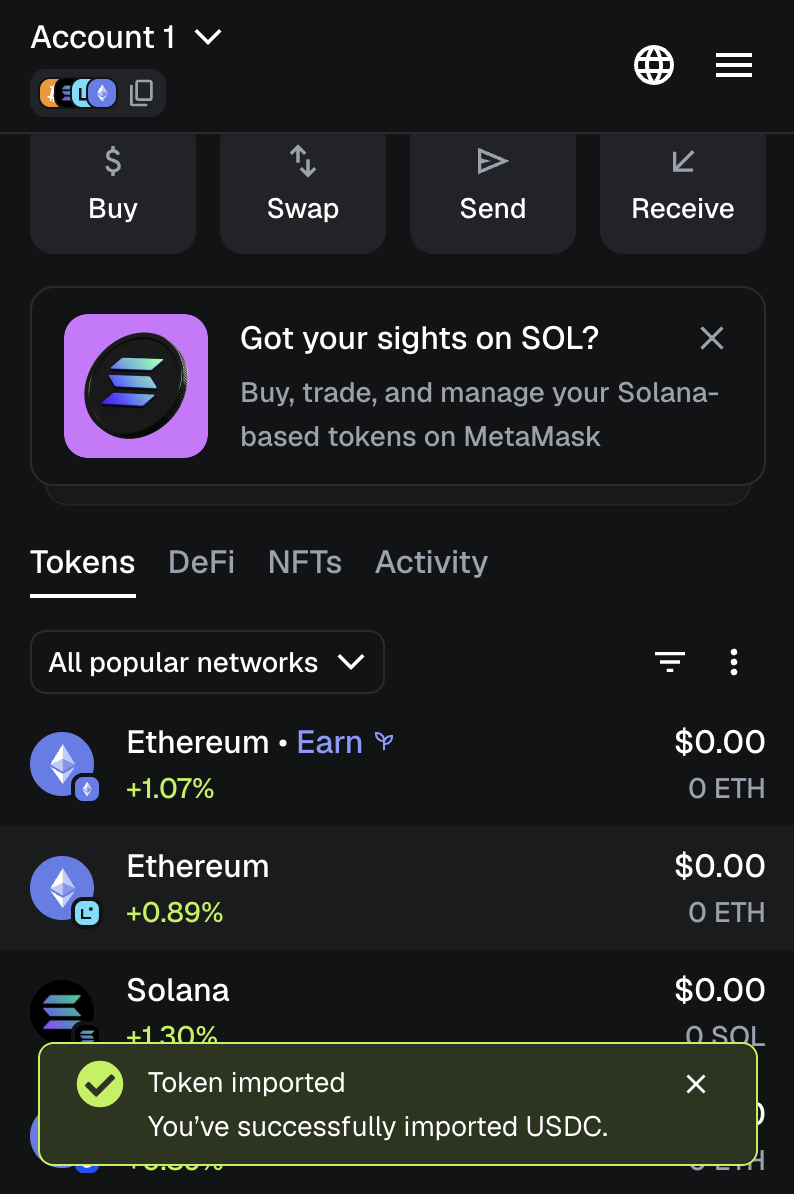
Add Ethereum wallet for USDT and USDC
To simulate payment transactions using the Payments API in Sandbox, set up a MetaMask Ethereum wallet and add test tokens to it. This process allows you to experiment with and verify the API's functionality in a test environment.
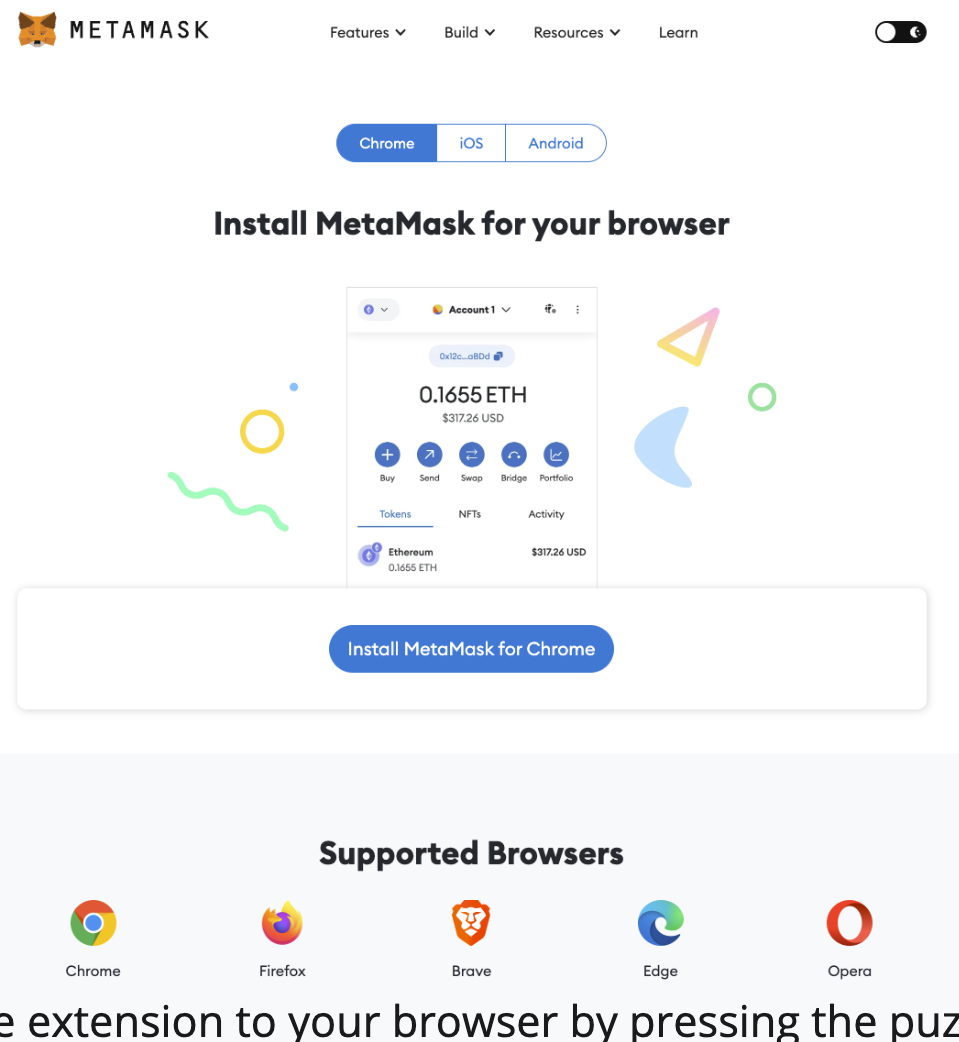
Install MetaMask extension
- Install Metamask extension for your browser, Chrome is recommended. Follow the steps carefully and save your password and recovery codes in a safe place.
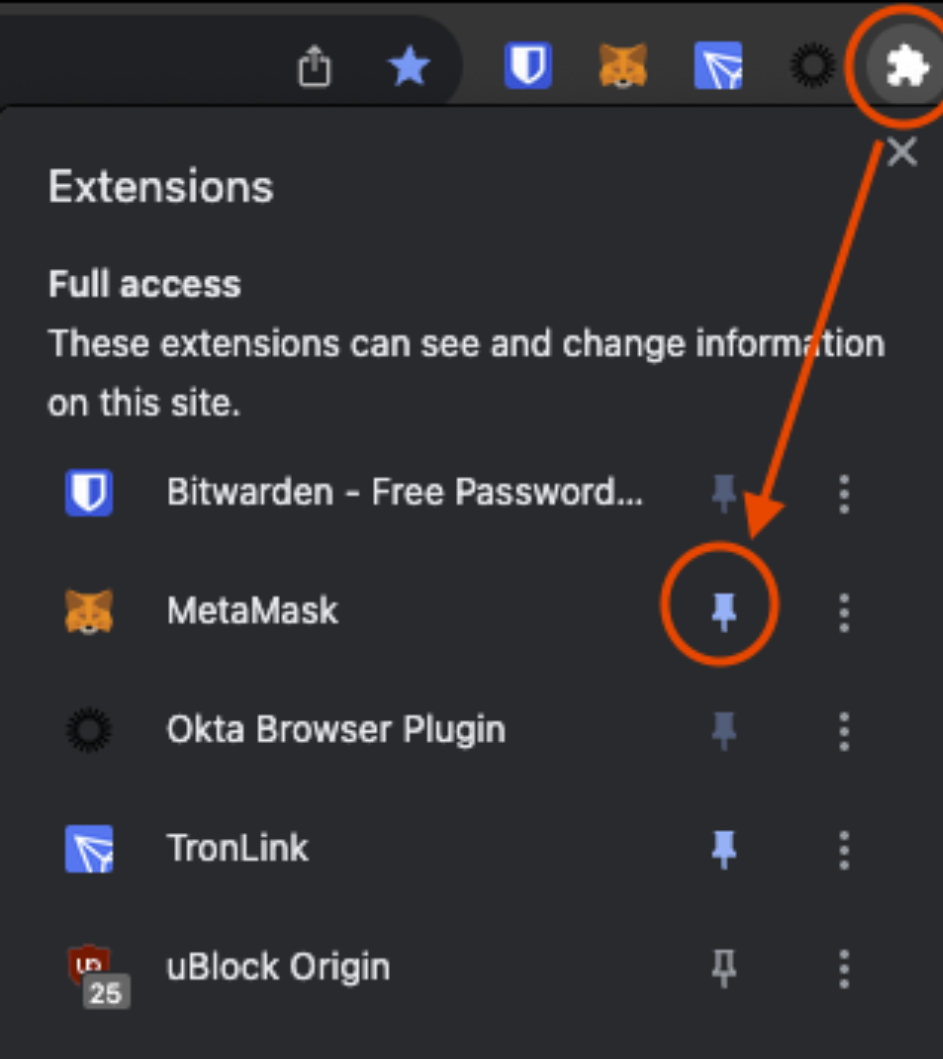
- Optional. Pin the extension to your browser by clicking the Puzzle icon > Pin icon next to MetaMask.
- Click the fox-head icon to open your MetaMask wallet and log in.
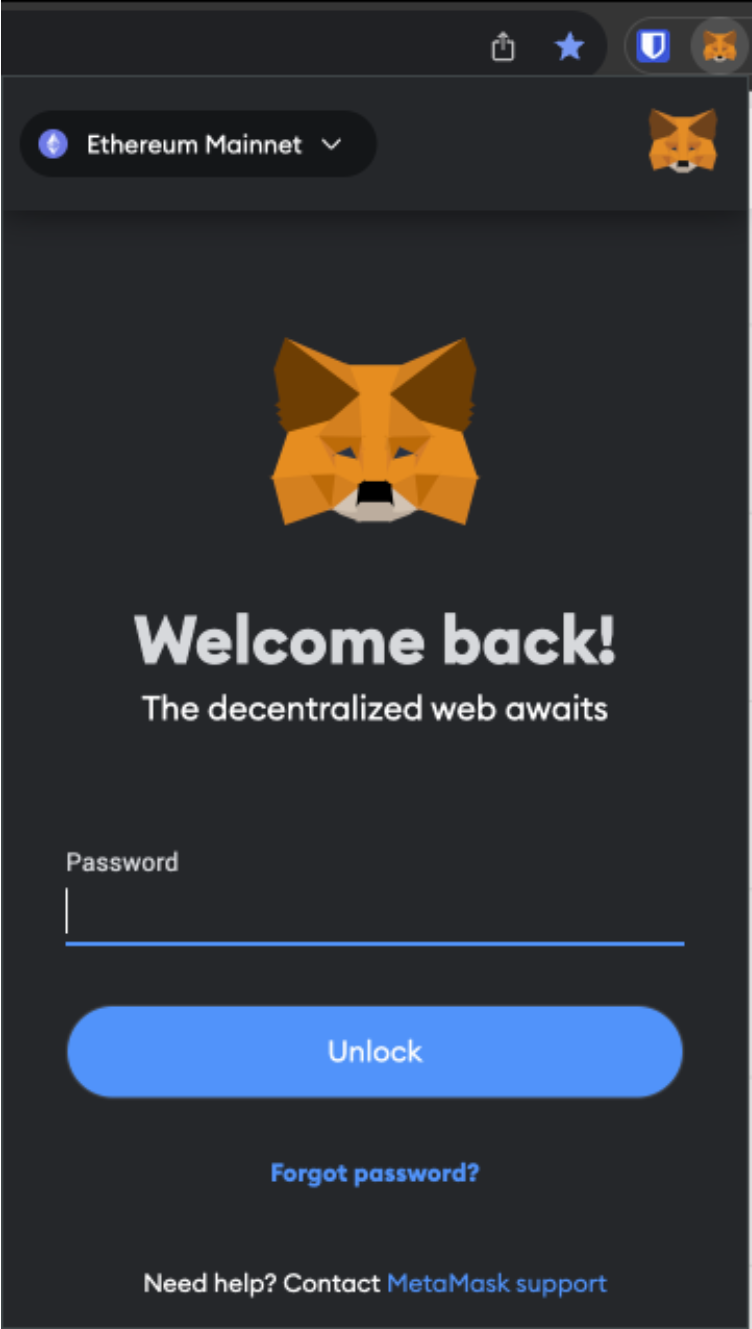
- By default, the Ethereum Mainnet network is selected. To change to another one, click the Networks dropdown at the top.
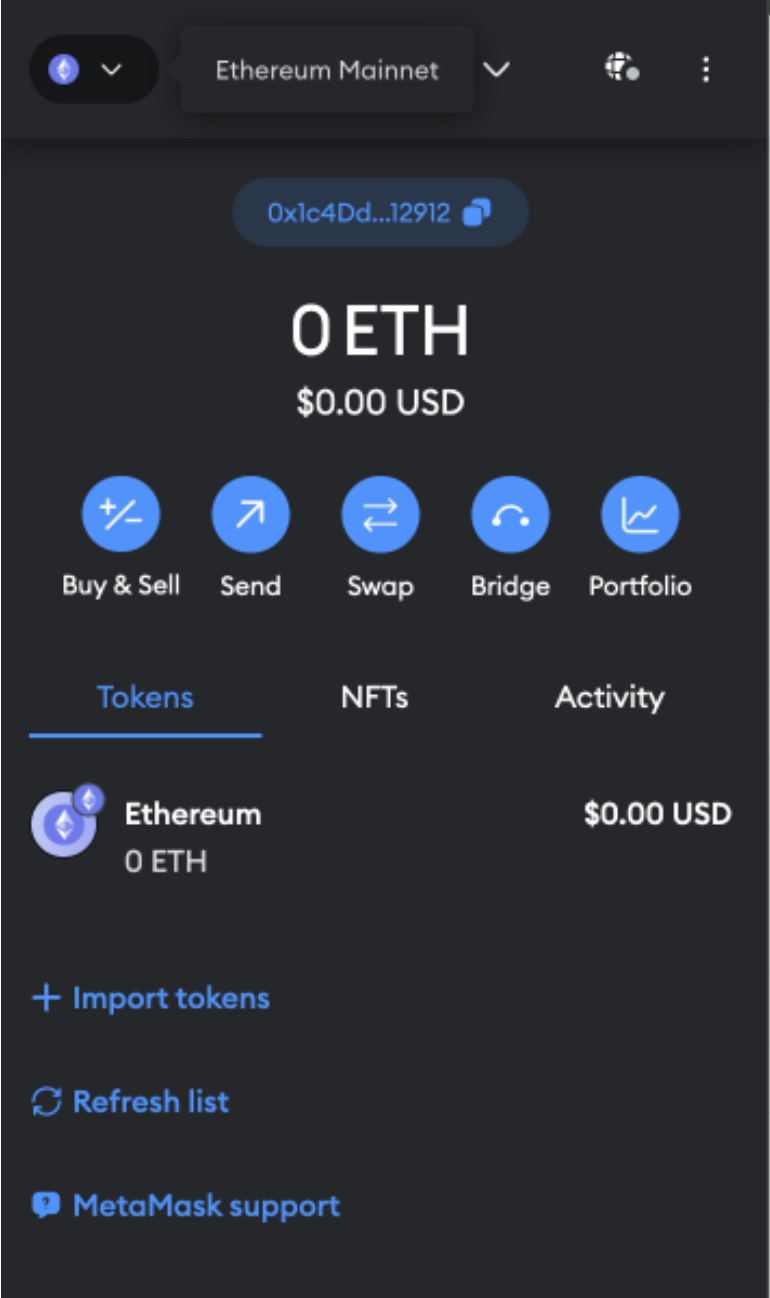
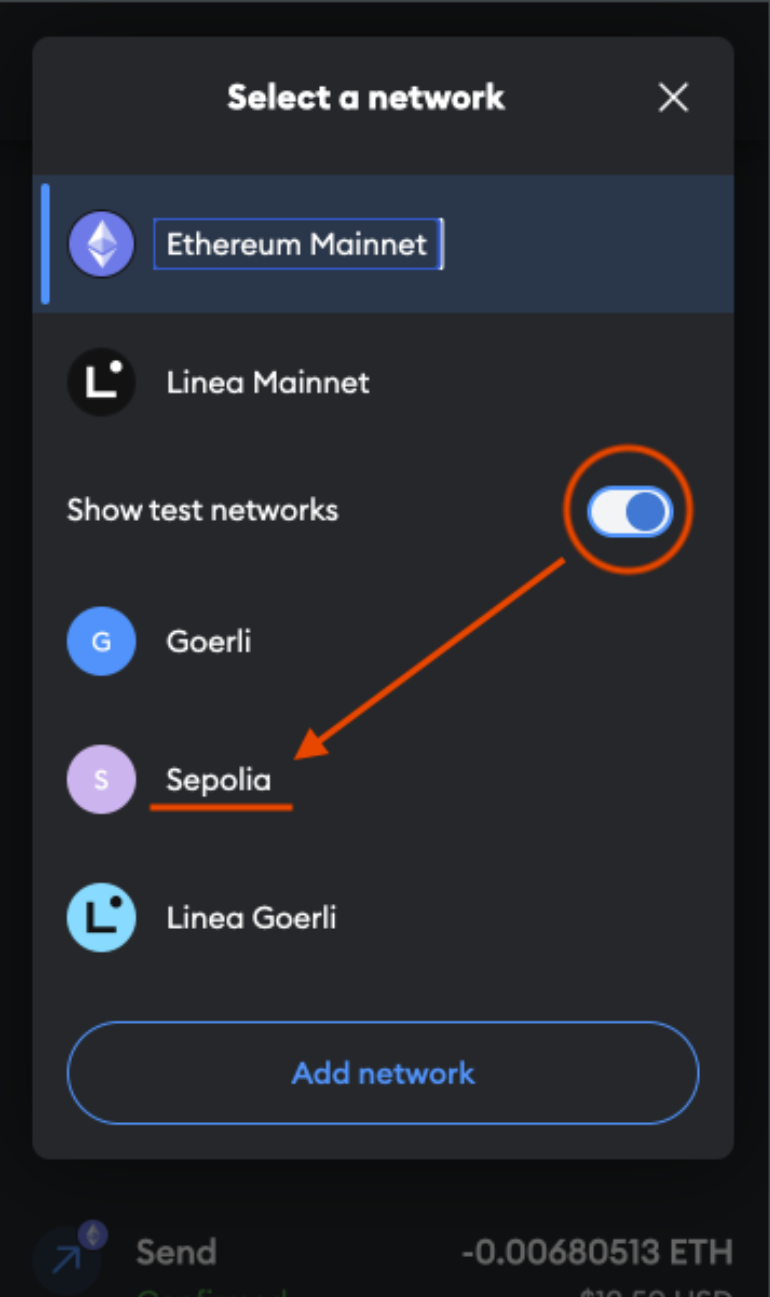
- The Select a network tab opens. Click the slider to show test networks, then select Sepolia.
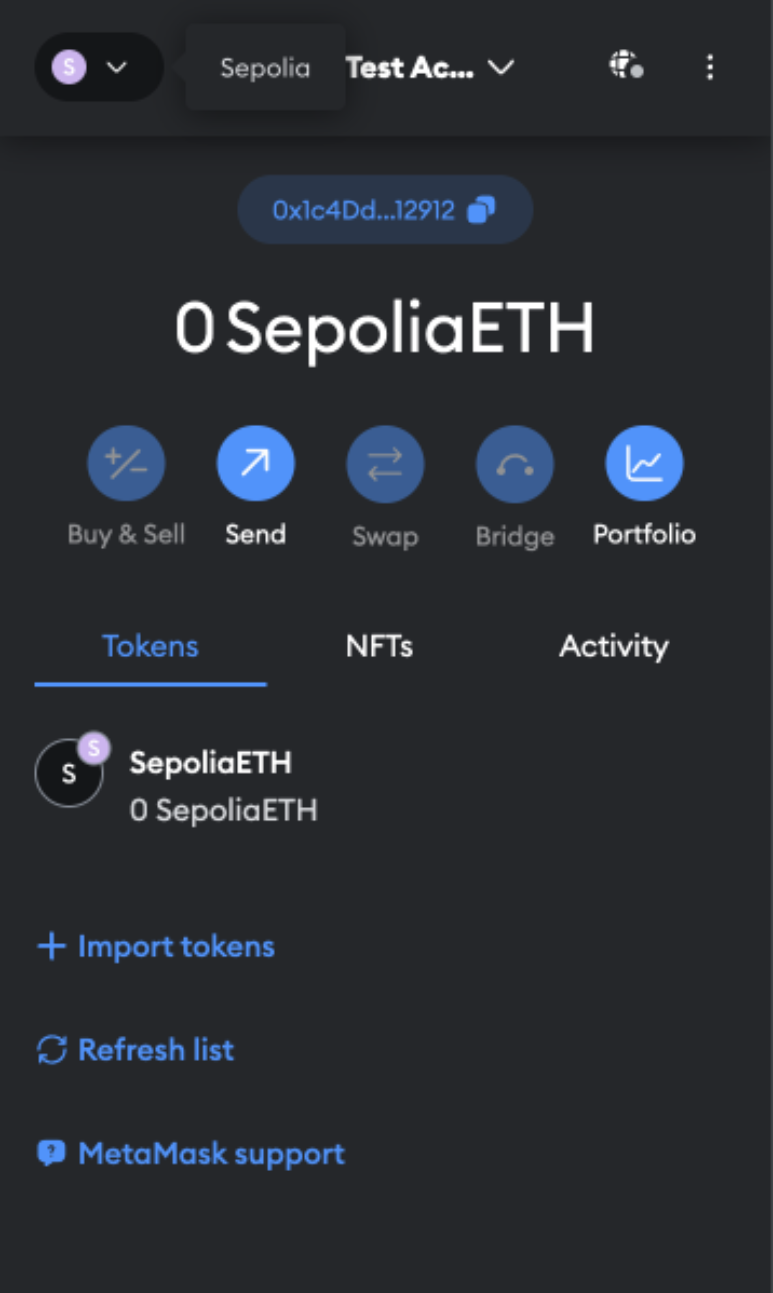
- The SepoliaETH token name indicates that you are on the Sepolia Network. Now you can receive funds and test Ethereum transactions in the sandbox.
Add USDT ERC20
To add USDT ERC20 tokens to the wallet, do the following:
- Import tokens by adding the smart contract to your wallet. For that, in your MetaMask wallet, on the Tokens tab, click Import tokens.
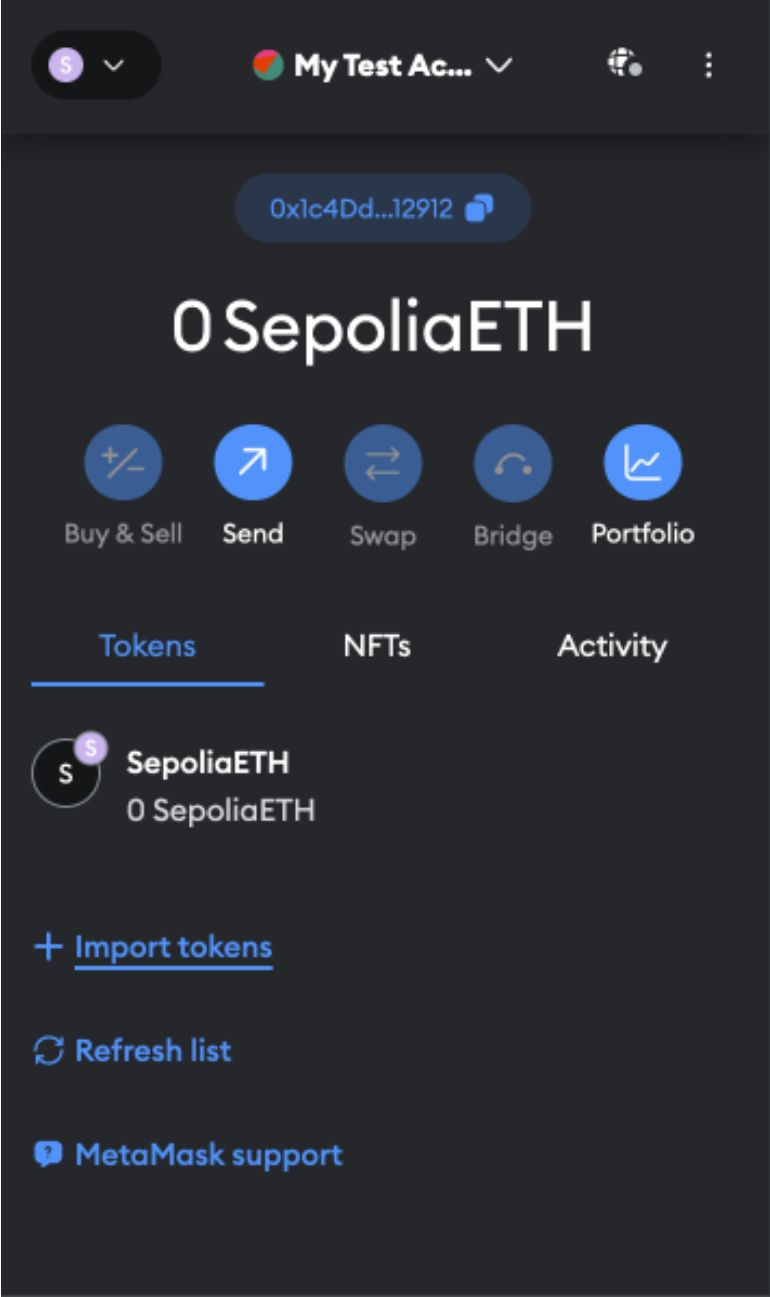
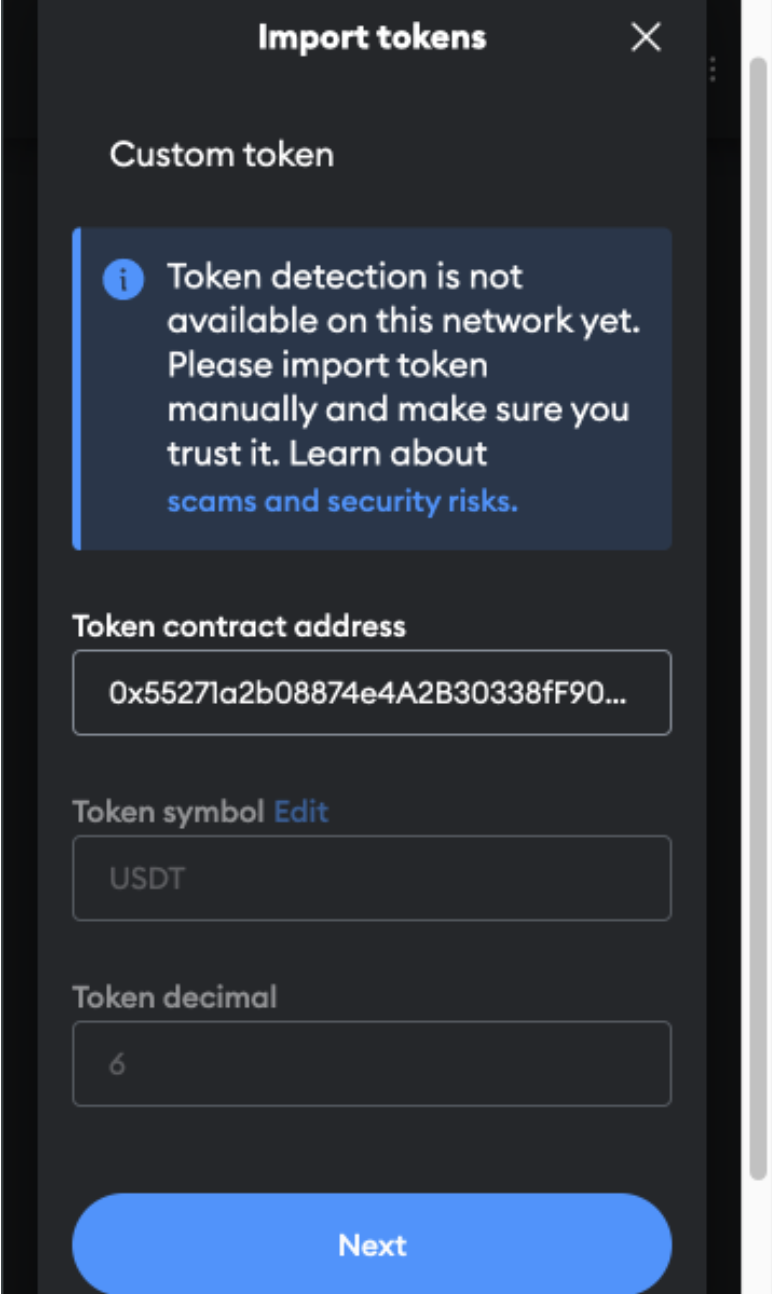
- The import tokens screen opens. In the Token contract address field, add
0x3429519eE7cDbB13B49161F1Eb6e1B026939113A.
The Token symbol and Token Decimal are auto-completed. If not, enter USDT and 6 respectively.
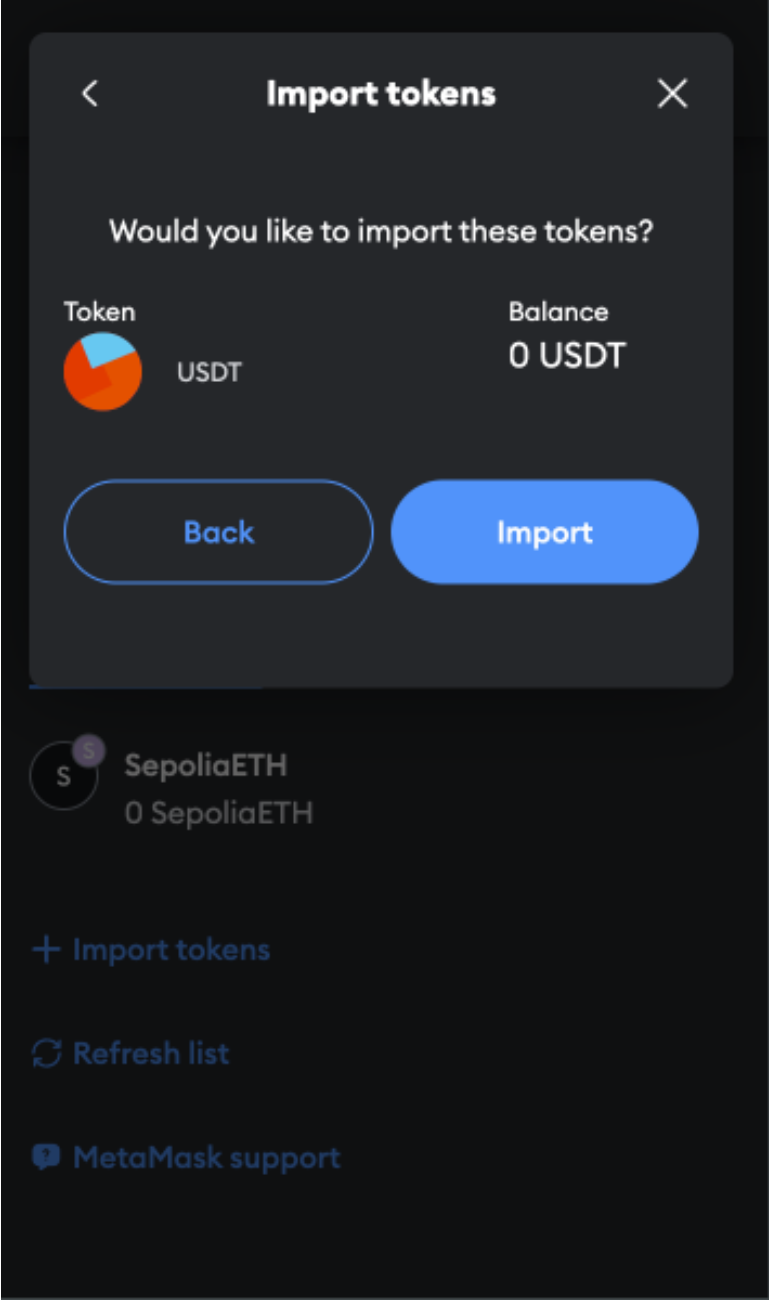
- When the prompt appears, click Import.
USDT ERC20 is now added to your wallet, and you can complete USDT transactions once you have received test funds.
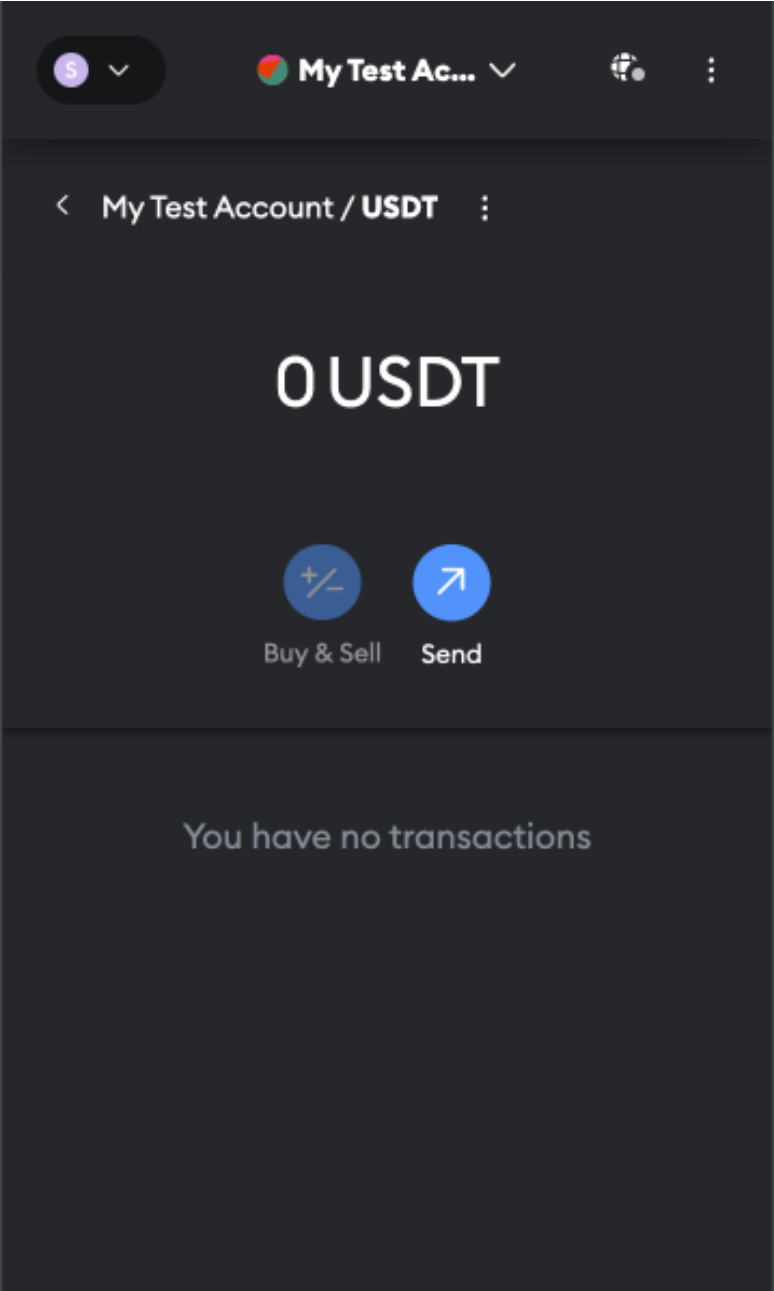
ETH and USDT ERC20 on the Sepolia Network are now available on your MetaMask wallet. Get some test funds loaded and happy testing!
Add USDC
To add USDC ETHEREUM tokens to the wallet, do the following:
-
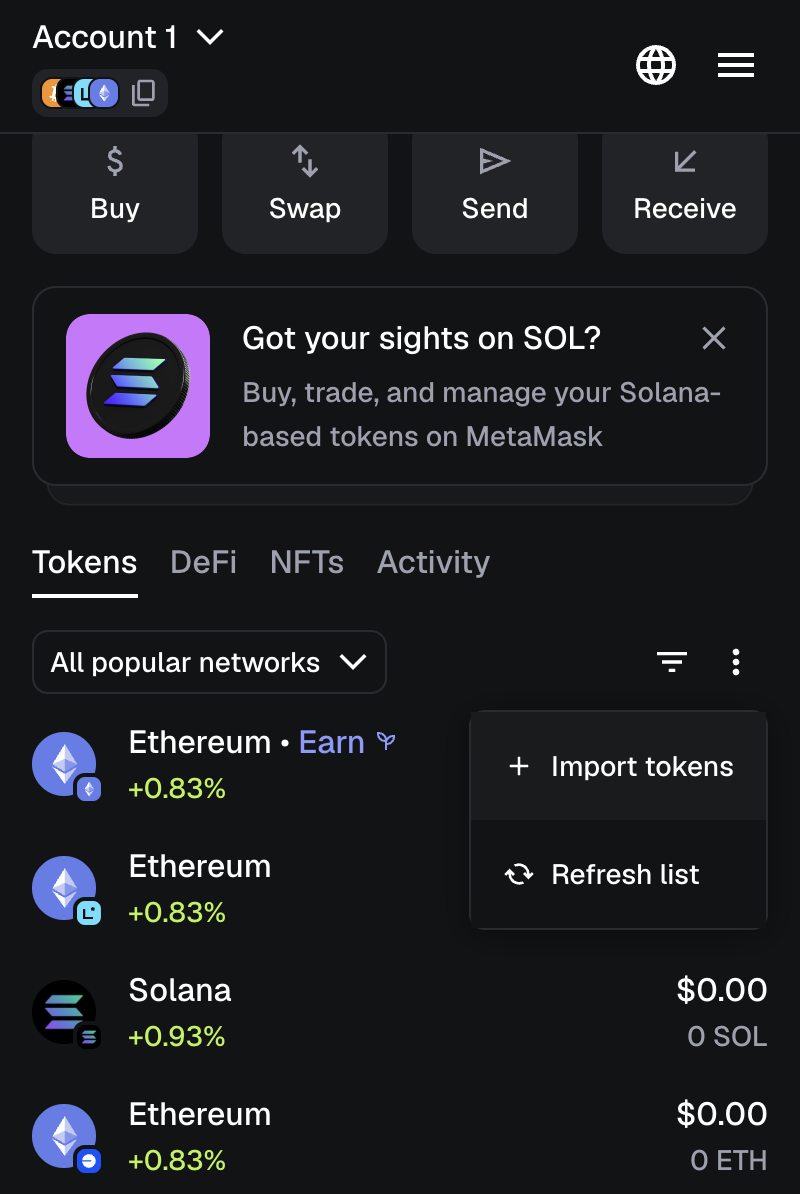
Import tokens by adding the smart contract to your wallet. For that, in your MetaMask wallet, go to the Tokens tab and click Import tokens.
-
The import tokens screen opens. Configure the fields as follows:
- Token contract address:
0x6988F886eC2706893d37eE169722DdB02135eF78 - Token symbol: USDC
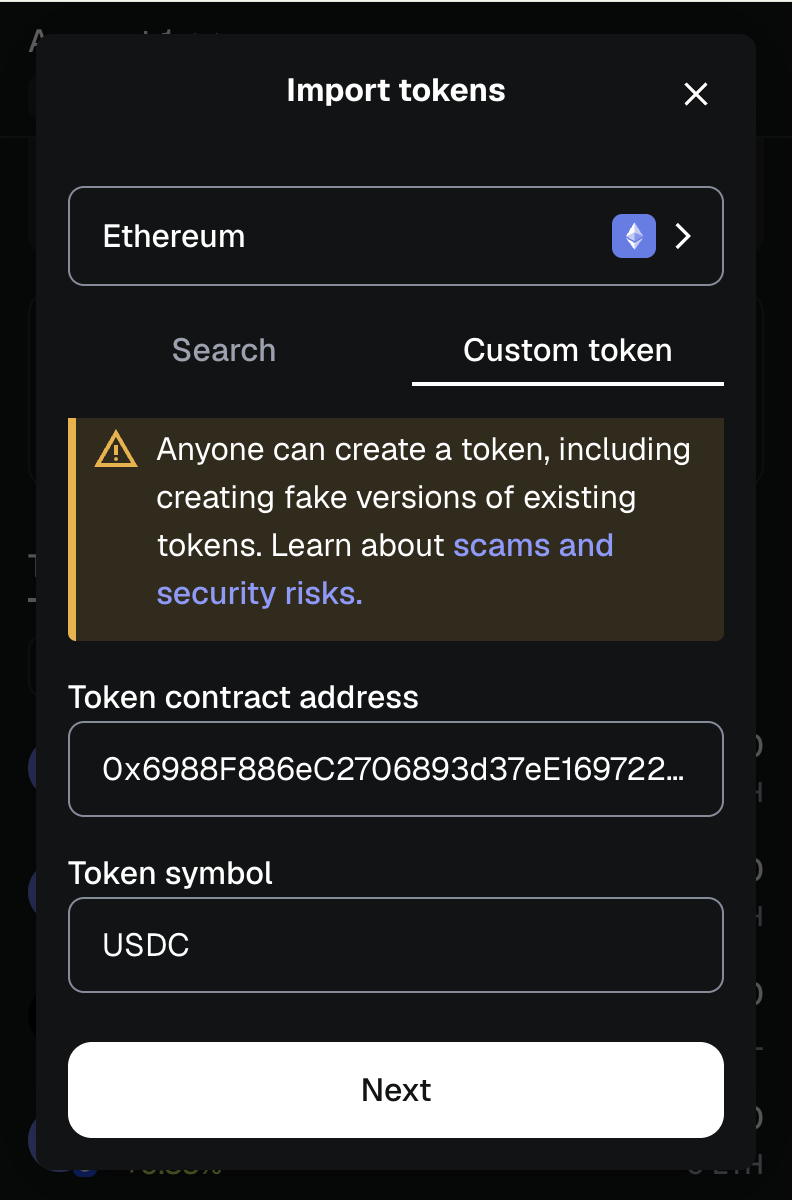
Click Next.
- Token contract address:
-
When the prompt appears, click Import.
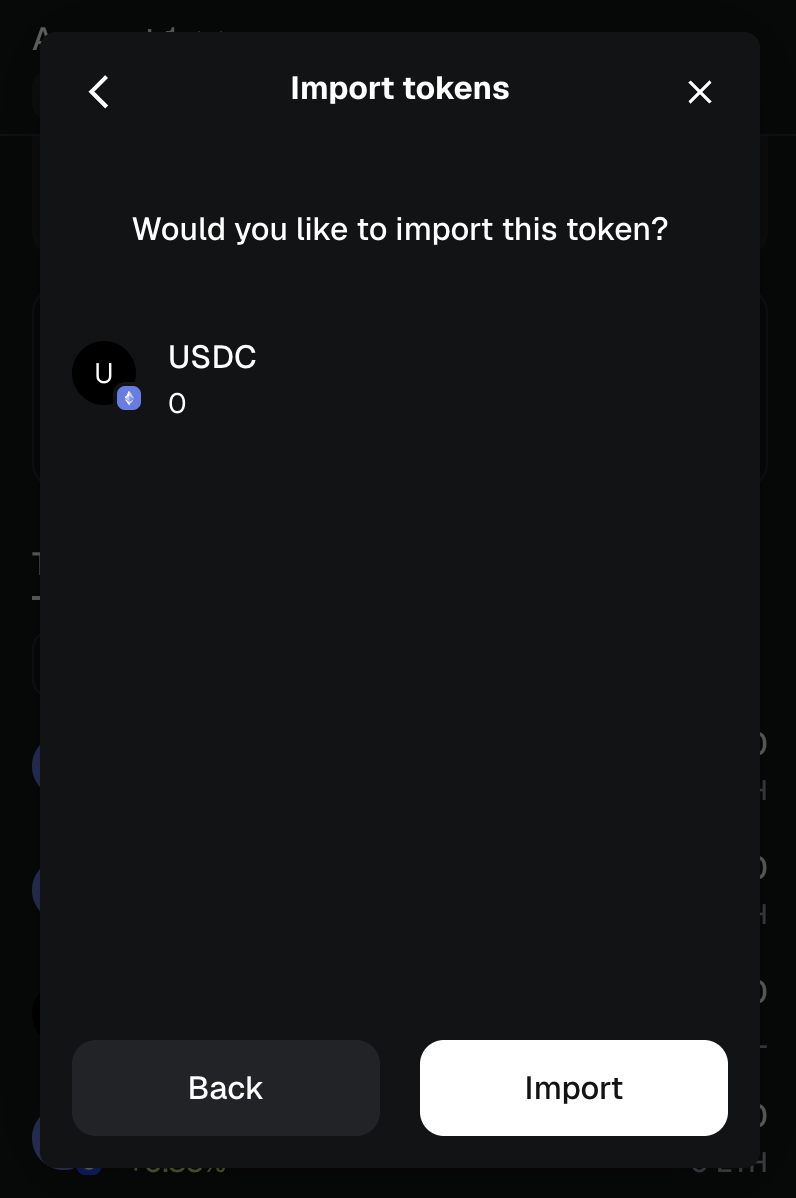
USDC ETHEREUM is now added to your wallet, and you can complete USDC transactions once you have received test funds.