Create an asset pool
An asset pool represents a collection of funds across different currencies and networks. By grouping these funds together, the complexity of managing multiple crypto addresses and key pairs is hidden from the customer, enabling them to focus on actions at the pool level rather than individual addresses. The asset pool simplifies fund management by abstracting away network-specific details, providing a unified interface for handling diverse crypto assets.
To create an asset pool:
-
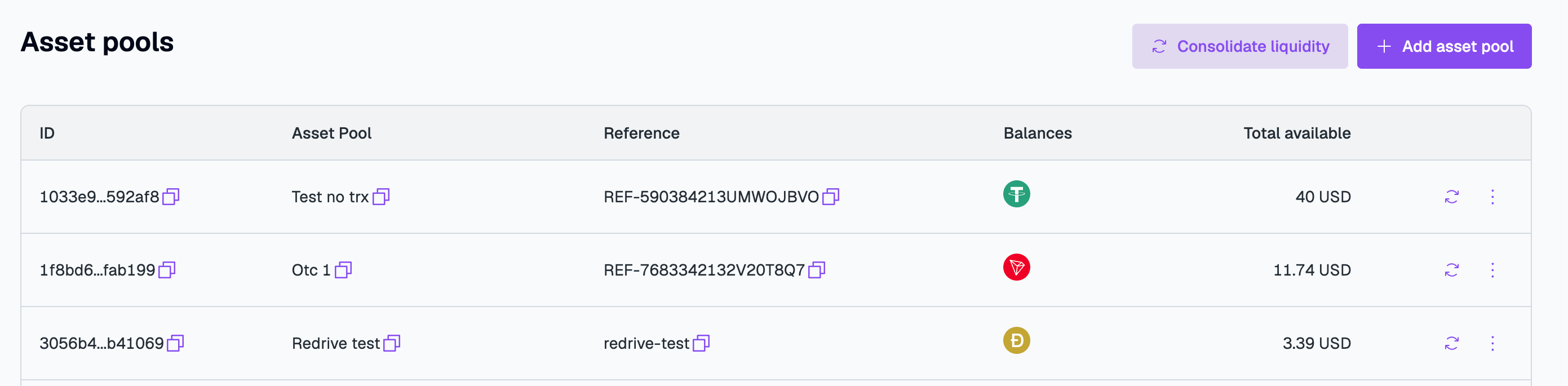
Go to Digital Assets > Asset pools and click Add asset pool.
-
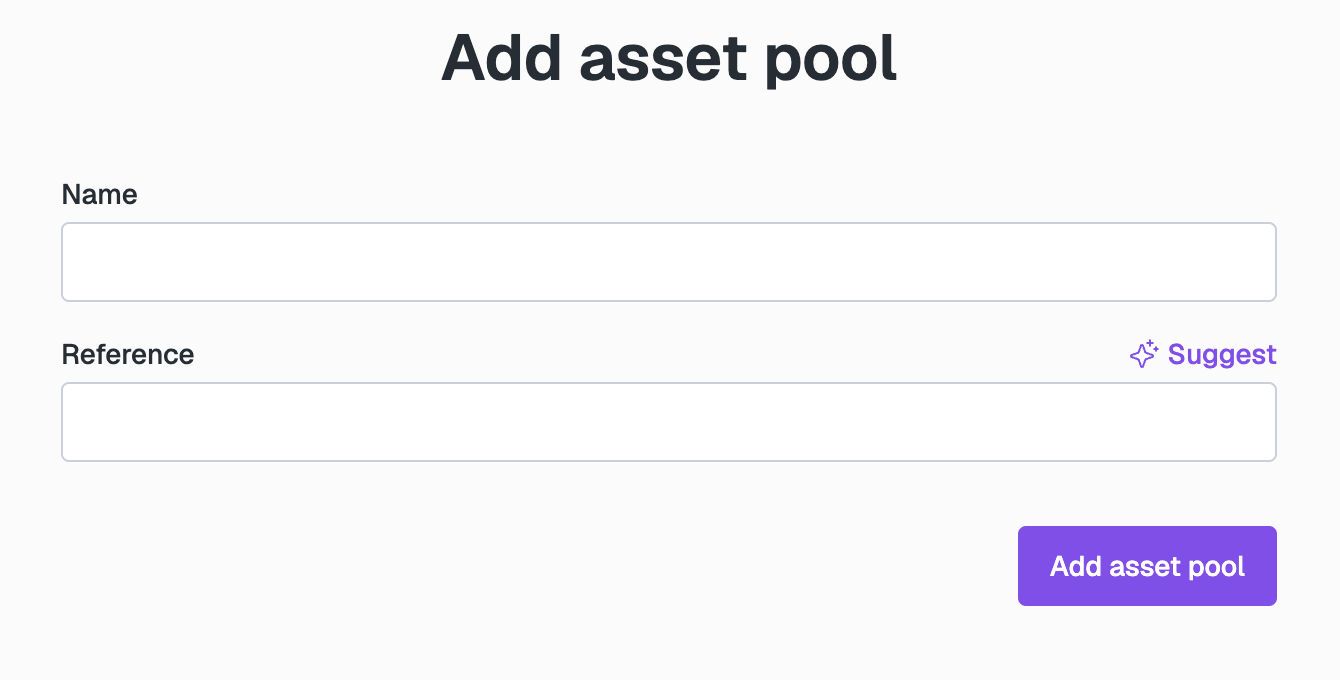
In the Add asset pool form, specify the following:
- Name. Enter the name for your new Asset Pool.
- Reference. Add the unique ID of the pool. You can do this manually or generate it by clicking Suggest.
-
Click Add asset pool.
The new Asset Pool appears in the list.