Approvals for changes to approval settings
By default, no approvals are required for changes to approval settings. You can require approvals for these changes, so that one person can't switch approvals off alone.
To configure approvals, you must have the approval-settings:operator role. Approvers need the same role. See Assign approver roles.
Require approvals for changes to approval settings
- Portal
- API
To require approvals for changes to approval settings, do the following:
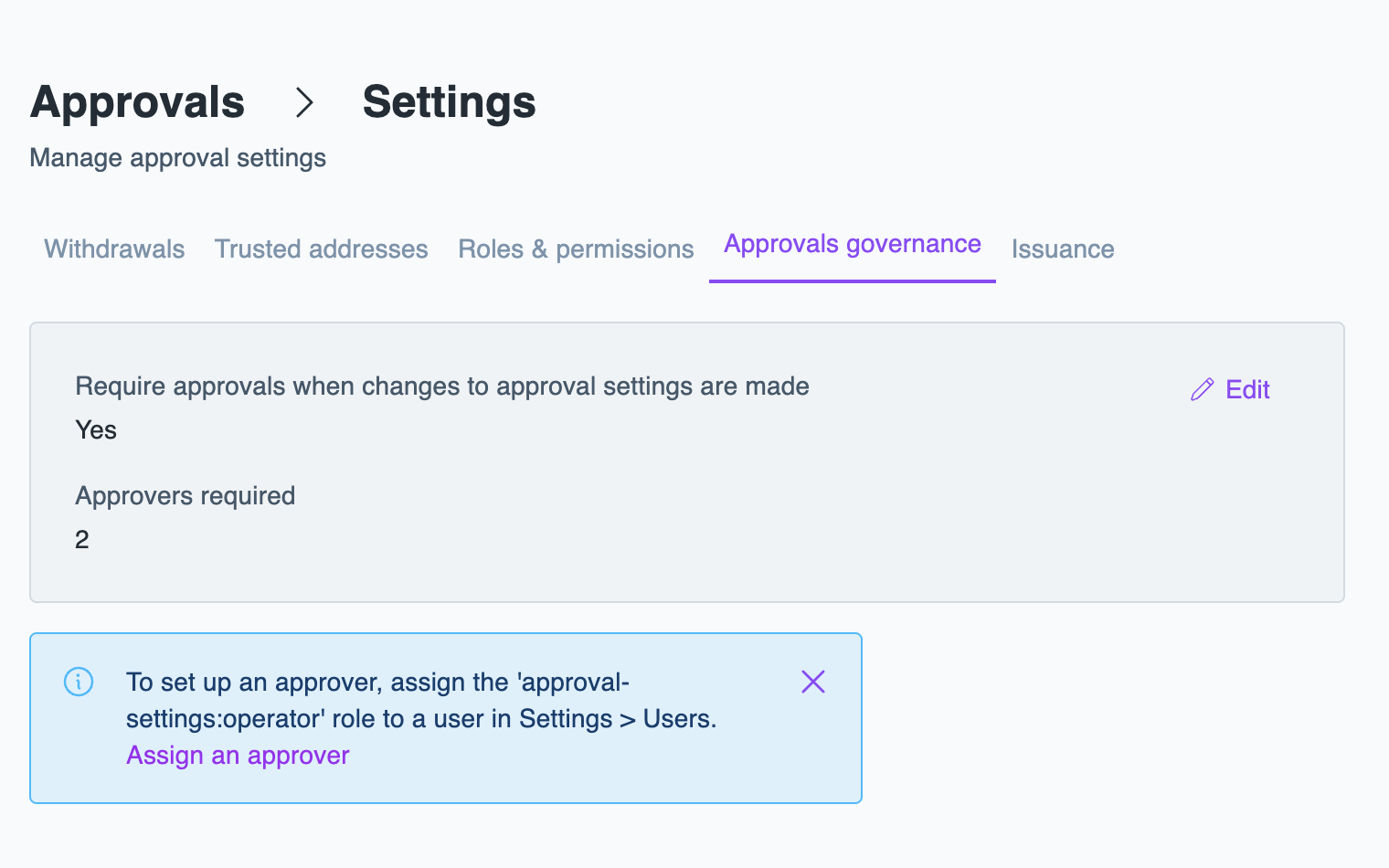
- In the Layer1 Portal, go to Approvals > Settings, select the Approvals governance tab, and click Edit.
- Turn on Require approvals when changes to approval settings are made.
- Select the number of Approvers required.
- Click Save.
From then on, a saved change to any settings tab, including Approvals governance, is sent for approval and applies only once it's approved. In the Portal, you see that the update has been sent for approval. To approve or reject the change, see Approve or reject a request.