Approvals for trusted addresses
You can require approval each time someone adds or deletes a trusted address. Combined with withdrawals to trusted addresses only, nobody can send funds to a new address alone.
Trusted addresses are the addresses of your contacts. For more information, see Add a contact.
To configure approvals, you must have the approval-settings:operator role. Approvers need the contact:address:approver role. See Assign approver roles.
Require approvals for trusted addresses
- Portal
- API
To require approvals for trusted addresses, do the following:
- In the Layer1 Portal, go to Approvals > Settings, select the Trusted addresses tab, and click Edit.
- Turn on Require approvals when trusted addresses are created and deleted.
- Select the number of Approvers required.
- Click Save.
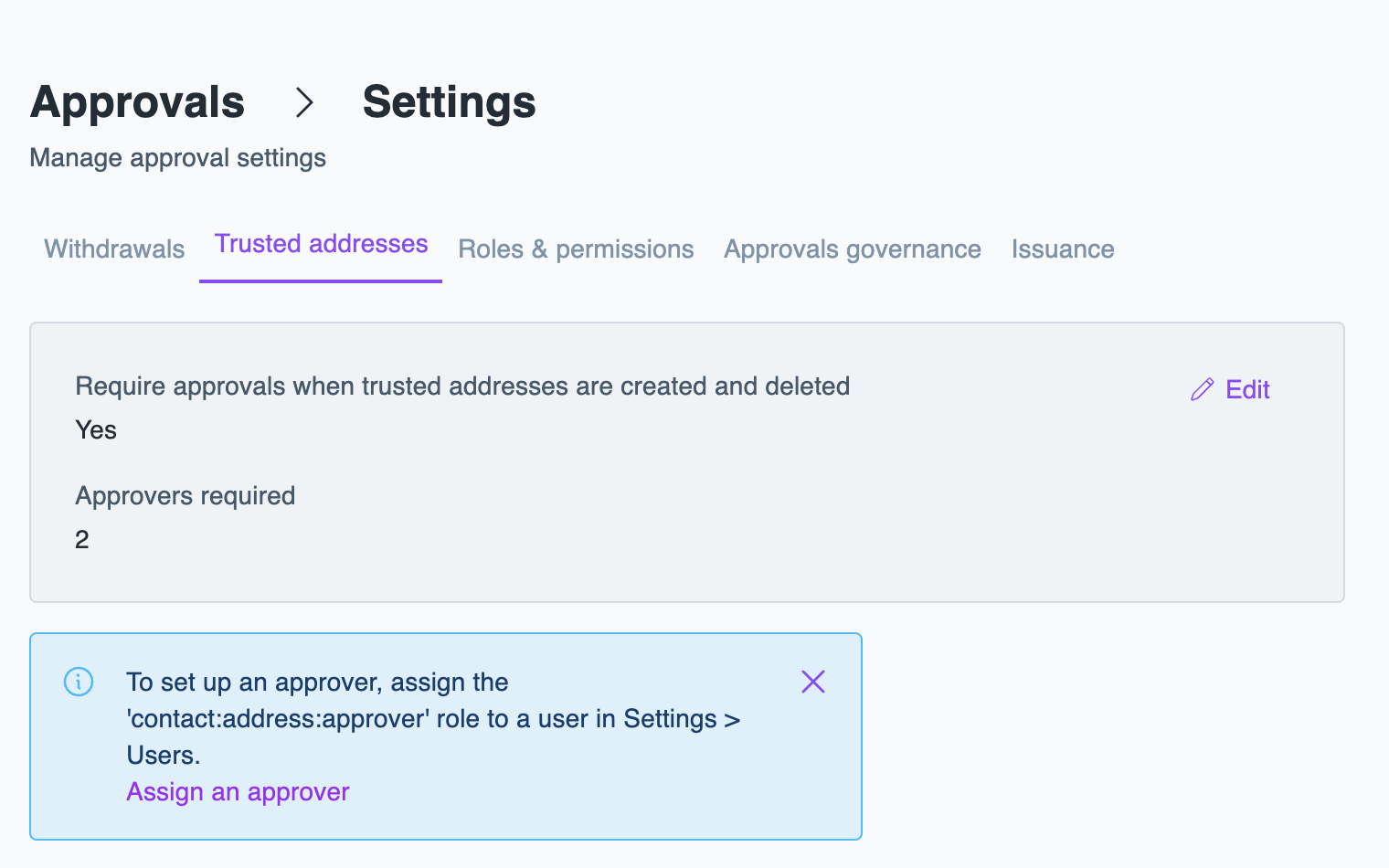
From then on, new and deleted trusted addresses wait in Approvals until they're approved. To approve or reject them, see Approve or reject a request.