Create a sandbox account
Before you can start building with BVNK's APIs, you'll need to create a sandbox account. The sandbox environment allows you to test your integration without using real funds or affecting production systems.
Create your sandbox account
-
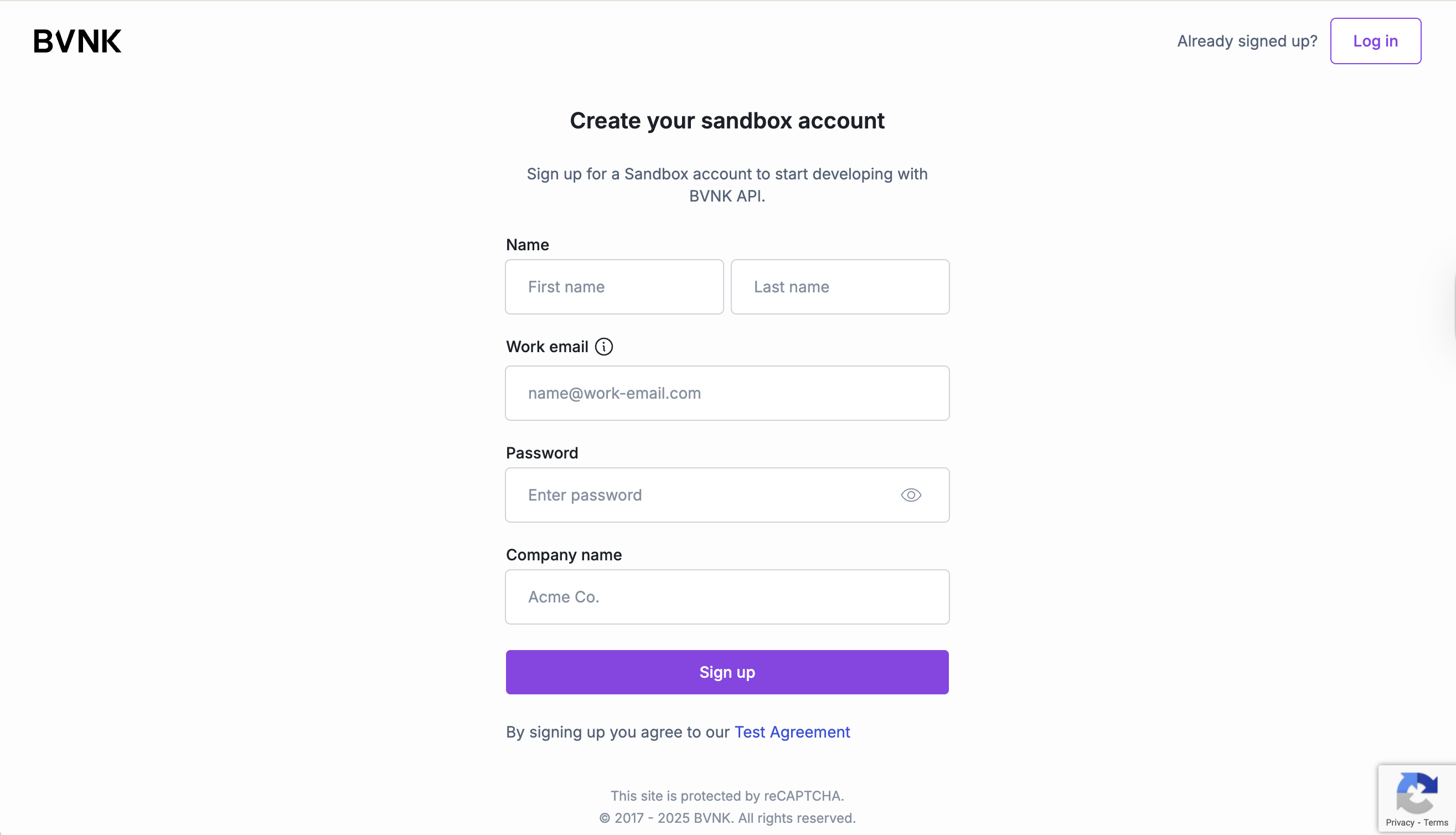
Fill in the registration form with your details:
- Name: Enter your first and last name.
- Work email: Enter your primary email for account access. Addresses from public domains (like Gmail, Outlook, Yahoo, or Hotmail) are not permitted.
- Password: Create a strong password for your account.
- Company name: Enter your organization or company name.
-
Click Sign Up to proceed.
-
Check your email inbox for a verification message from BVNK. If you don't see the email, check your spam or junk folder.
-
Copy the six-digit code from the email and enter it in the verification code field.
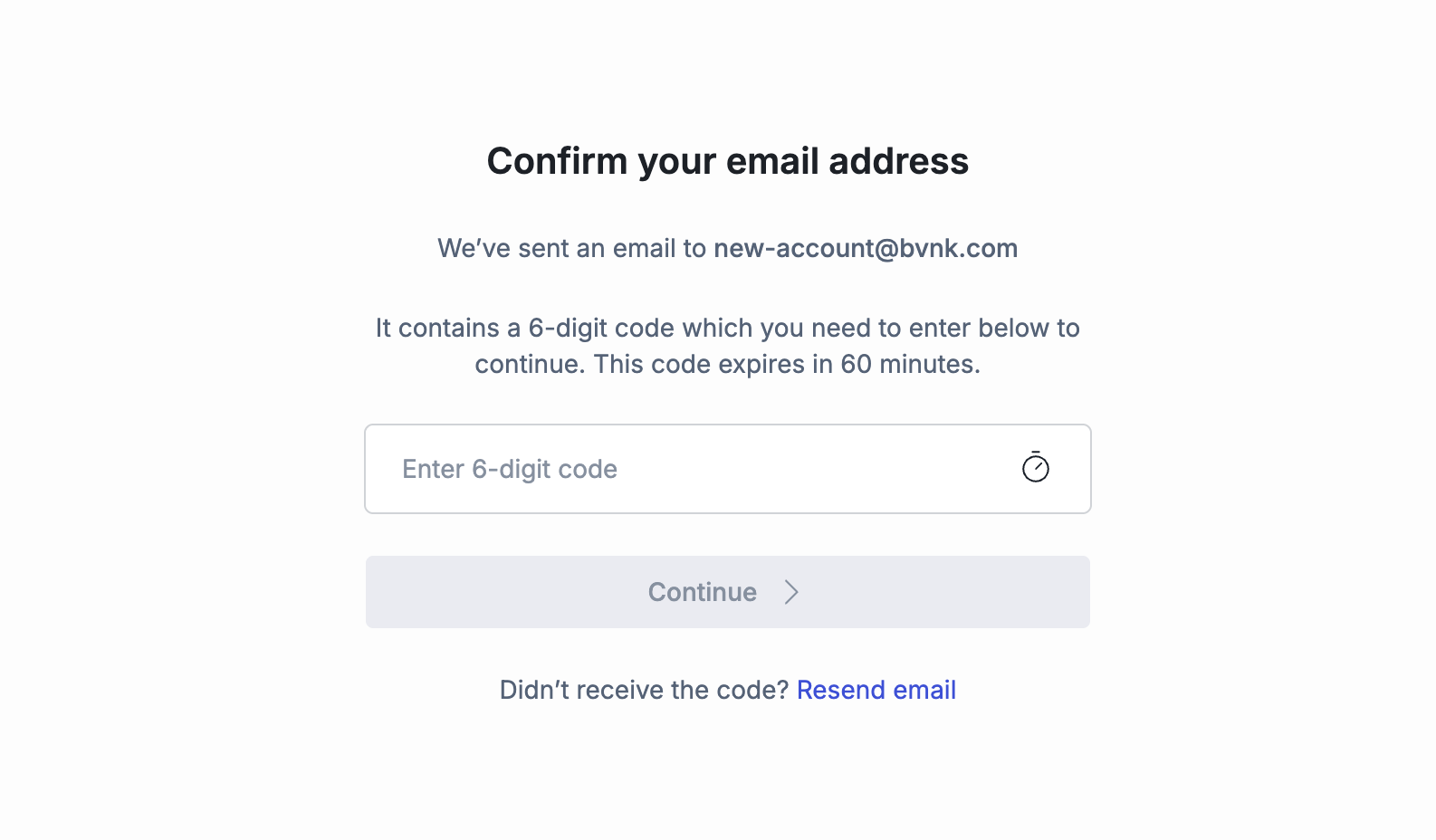
Click Continue to complete the verification process.
You'll be redirected to the sandbox portal dashboard.
Once verified, you'll have access to your sandbox dashboard. There, you can complete any additional company details if prompted. Your account is now ready for API key generation.
Ready to start building? Once your sandbox account is set up, you can: