Create a customer
The new customer onboarding flow is recommended for all new integrations.
If you already have an existing integration with Customers API v1, you can continue using it. BVNK will continue to support this API going forward.
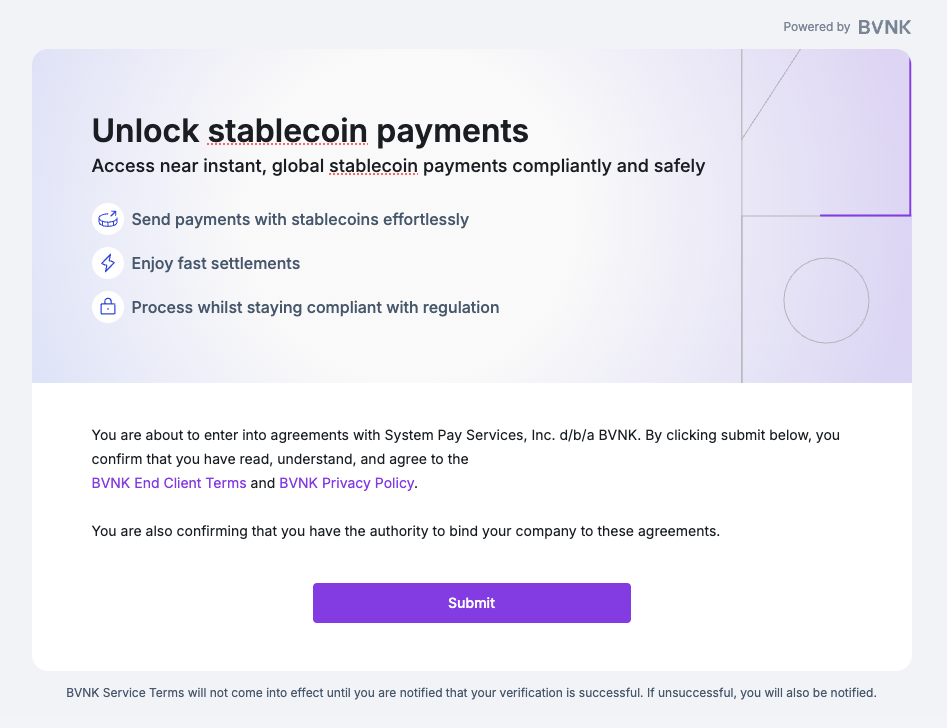
Customers v1 must be used together with the Agreements v1 flow. Ensure your customer signs agreements using the Agreements v1 session-based endpoints before creating their account.
The following guide describes how you can create company or individual customer accounts on the BVNK platform.
Partner is a business that BVNK onboards that via a technical integration will embed some elements of our product into their platform.
Customer is both the partner's customer (business or individuals) and BVNK's customer. BVNK provides payment services to the customers.
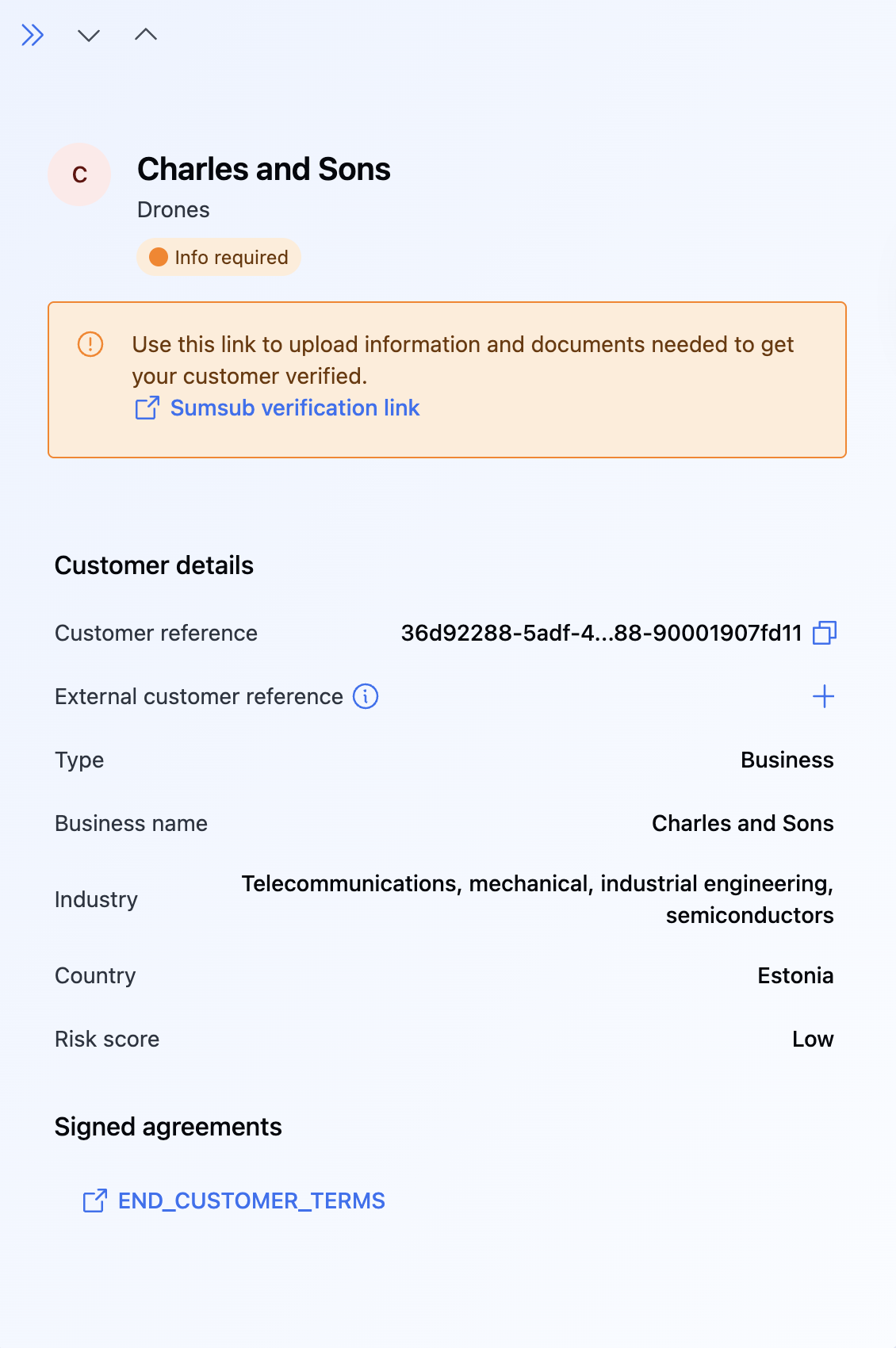
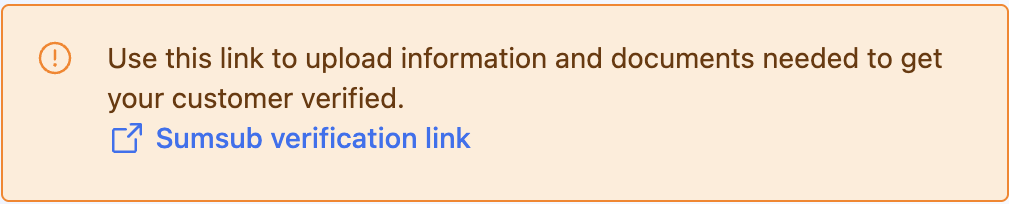
Once a customer is created, we initiate verification. You can then retrieve the customer object or listen to webhooks to track the status change.
Prerequisites
- Collect and validate customer data (IDs, address proofs, and so on) before creating the customer. This is crucial for a smooth KYC/KYB flow.
- Remember to obtain the verified
referencefrom the signed agreement session and include it in the request payload as thesignedAgreementSessionReferencefield. This ensures the agreements are correctly linked and recognized in your new customer creation and onboarding. - Learn about required compliance documents for company and individual customers and add them for your customer.
Add a customer
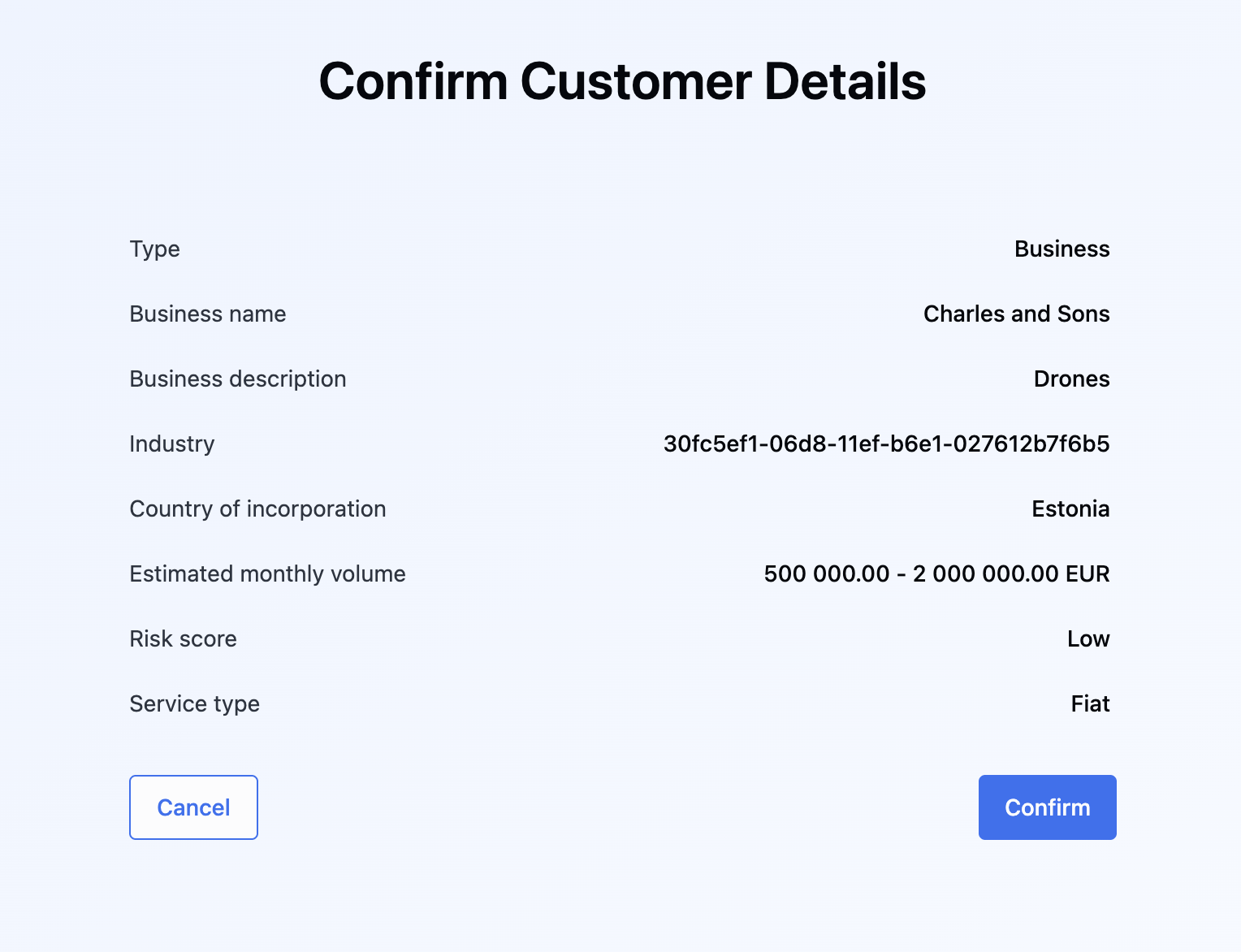
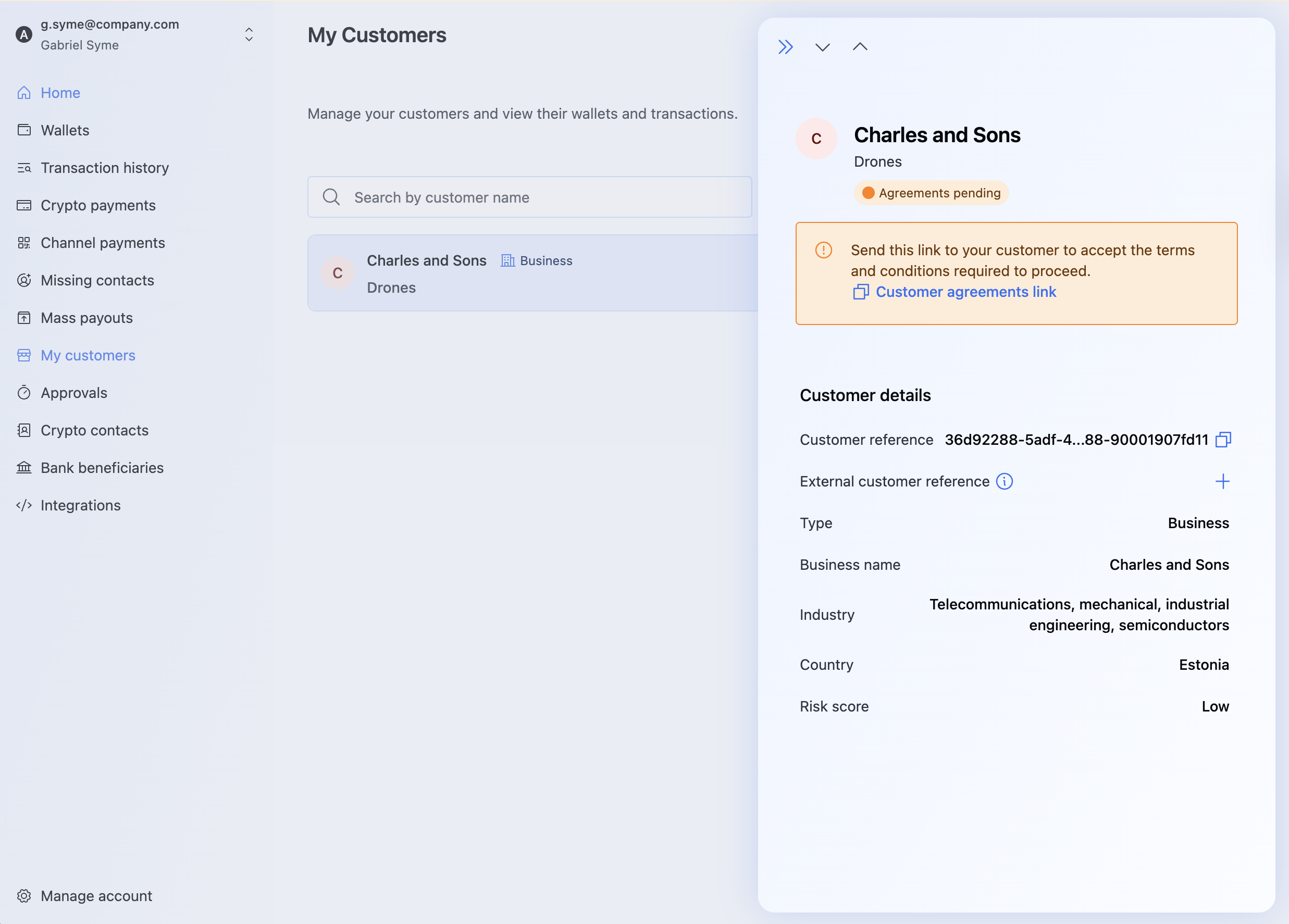
This step allows the creation of a new customer on the BVNK platform to whom wallets can be assigned. For example, if your company is a financial institution that services businesses, you would first need to add the customer under the My customer section of the BVNK platform. This will facilitate your customer's execution of payments via BVNK through your platform.
To add a customer:
- Via API
- Portal
Select a type of customer you want to create:
- Company
- Individual
Use this endpoint to create a business or company customer. You can associate multiple beneficial owners, controlling persons, and signers (often referred to collectively as "associates").
To create a customer type: Company, send the POST /platform/v1/customers request. For the detailed request body parameters, see the Create customer endpoint.
Upon a successful response, you receive a unique customer reference for tracking the verification status.
- Success
- Failure
{
  "reference": "b0ef182b-202d-4365-b69d-98dcb225fd62",
  "status": "INFO_REQUIRED",
  "infoRequired": {
      "questionnaireCodes": ["financialServicesQuestionnaireFull"]
  }
}
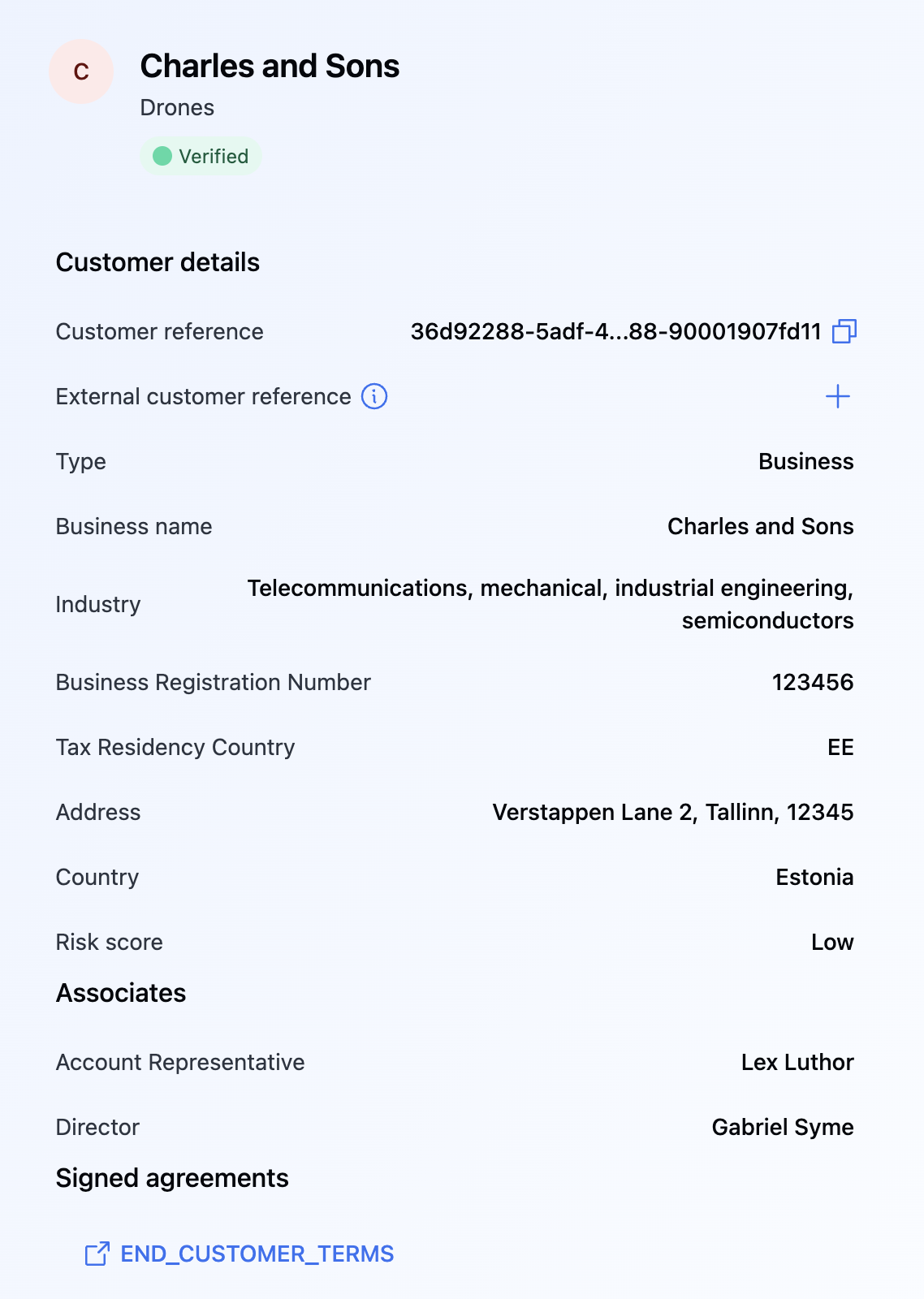
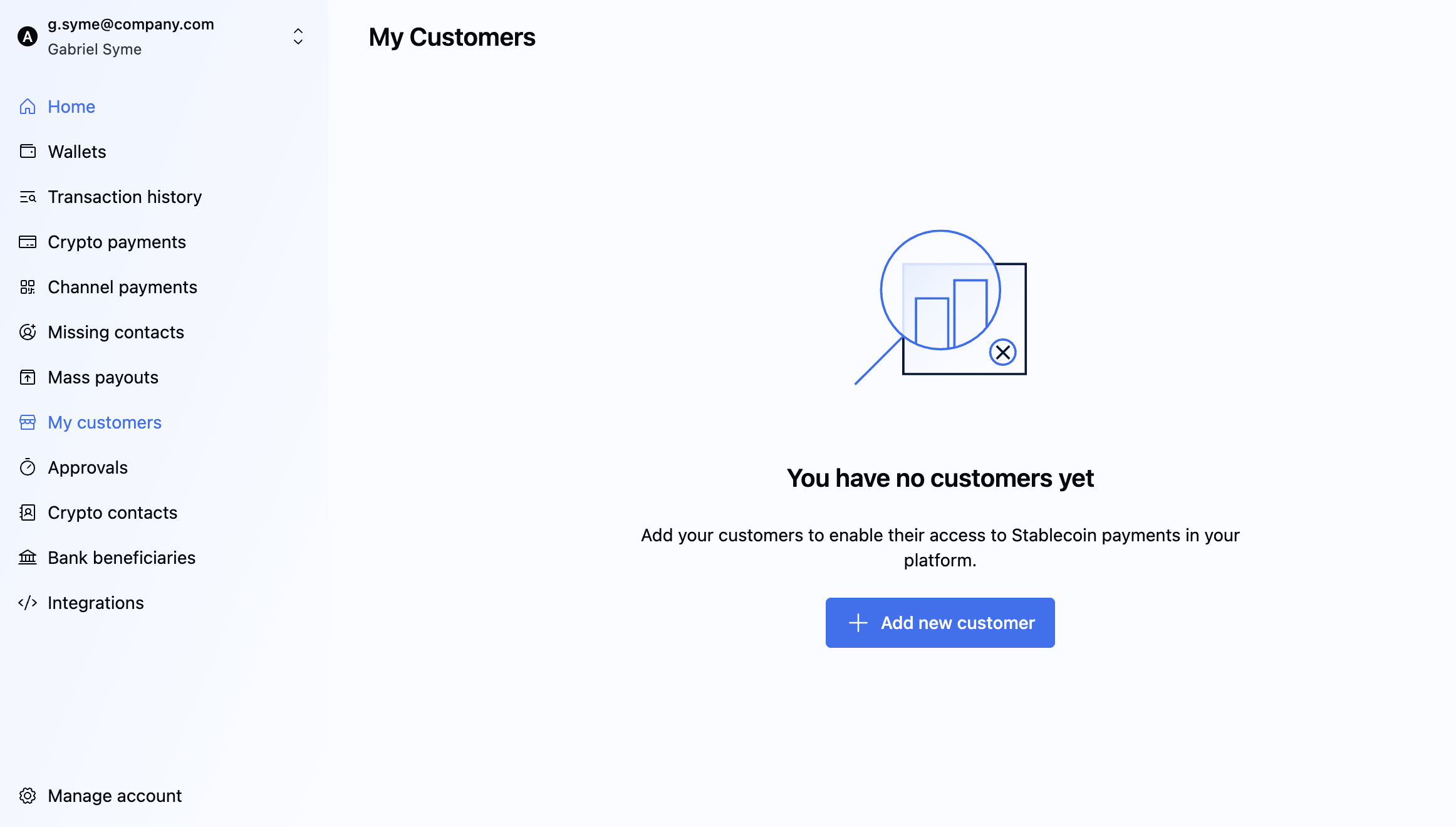 3. Click Add New Customer.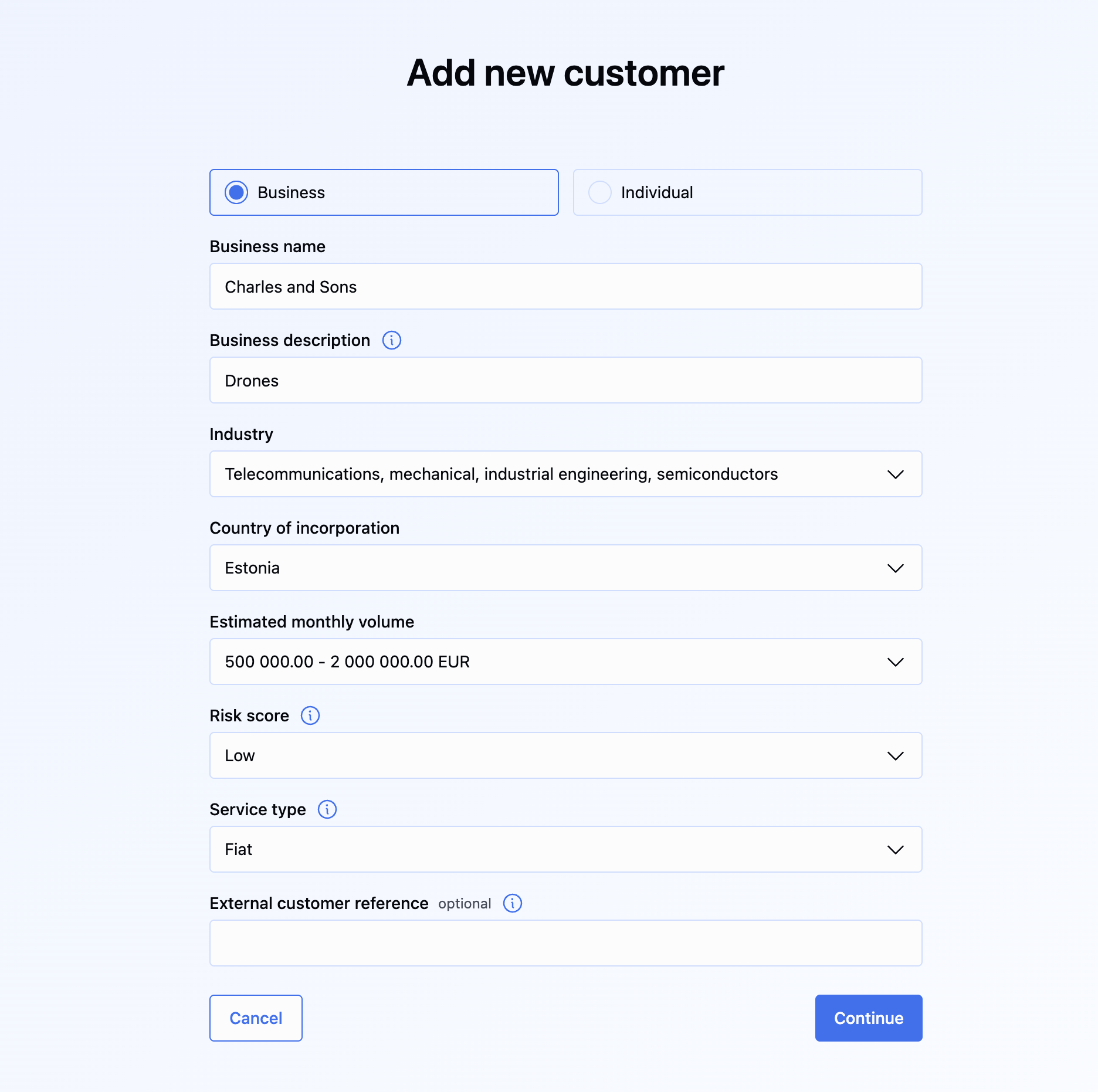
Update customer details
To update the information of a specific customer, send the PUT /platform/v1/customers/{customerReference} with the {customerReference} specified in the path.
In the request body, you can specify the following fields:
contactInfo: Contact information (email and phone).address: Address details.dateOfBirth: Customer's date of birth.
{
  "contactInfo": {
    "emailAddress": "customer@example.com",
    "phoneNumber": "+1234567890"
  },
  "address": {
    "addressLine1": "Unter den Linden 77",
    "addressLine2": "Apartment 456",
    "postalCode": "10117",
    "city": "Berlin",
    "countryCode": "DE",
    "country": "Germany",
    "stateCode": "BE"
  },
  "dateOfBirth": "1990-01-15"
}
Customer webhooks
To get notified when the status of the customer changes, listen to the following webhooks:
- Customer's status changes to
INFO_REQUIRED,PENDING,VERIFIED, orREJECTED. - Customer information is updated.
What's next?