Receive stablecoin payments
The Payments v.3 API endpoints are in beta and may change as we enhance the product. See Migrate crypto payments from v.1 for background on this project.
Using BVNK's Receive products, you can collect crypto payments from your customers, allowing them to top up accounts or purchase goods and services from you whilst BVNK manages the conversion and settlement to your accounts.
BVNK stablecoin payments are perfect, when:
- You need to collect payments from your customers and you want stablecoins to be an option so that you can unlock additional markets and user segments.
- As a Neobank or PSP serving businesses and individuals you want to allow your customers to send stablecoins to top up their account.
Every BVNK pay-in has two sides: your customer is the originator, the one paying, and you're the beneficiary, whose wallet is credited. BVNK supports various pay-in combinations to meet different business needs:
- Crypto converted and received in fiat: Accept stablecoin payments from customers and receive fiat currency in your account.
- Crypto converted and received in a different crypto: Accept one type of stablecoin and receive a different crypto currency in your account.
- Crypto paid in the same currency: Accept stablecoin payments and receive the same stablecoin type in your account.
There are two methods to collect payments from your customers:
-
Payment Links / Checkout: For every payment, BVNK generates a live quote to be accepted by the customer and a unique blockchain address for the payment to be made to.
Best for gaming, trading, or e-commerce platforms where the customer needs to send the exact amount of cryptocurrency or stablecoins to purchase an item, given the market rate at that point.
See the respective tabs for more details on the workflow.
Before you start Make sure you've followed the Getting Started guide, so that you have your account set up, API keys generated, and a wallet ID ready to be used.
- Payment Links
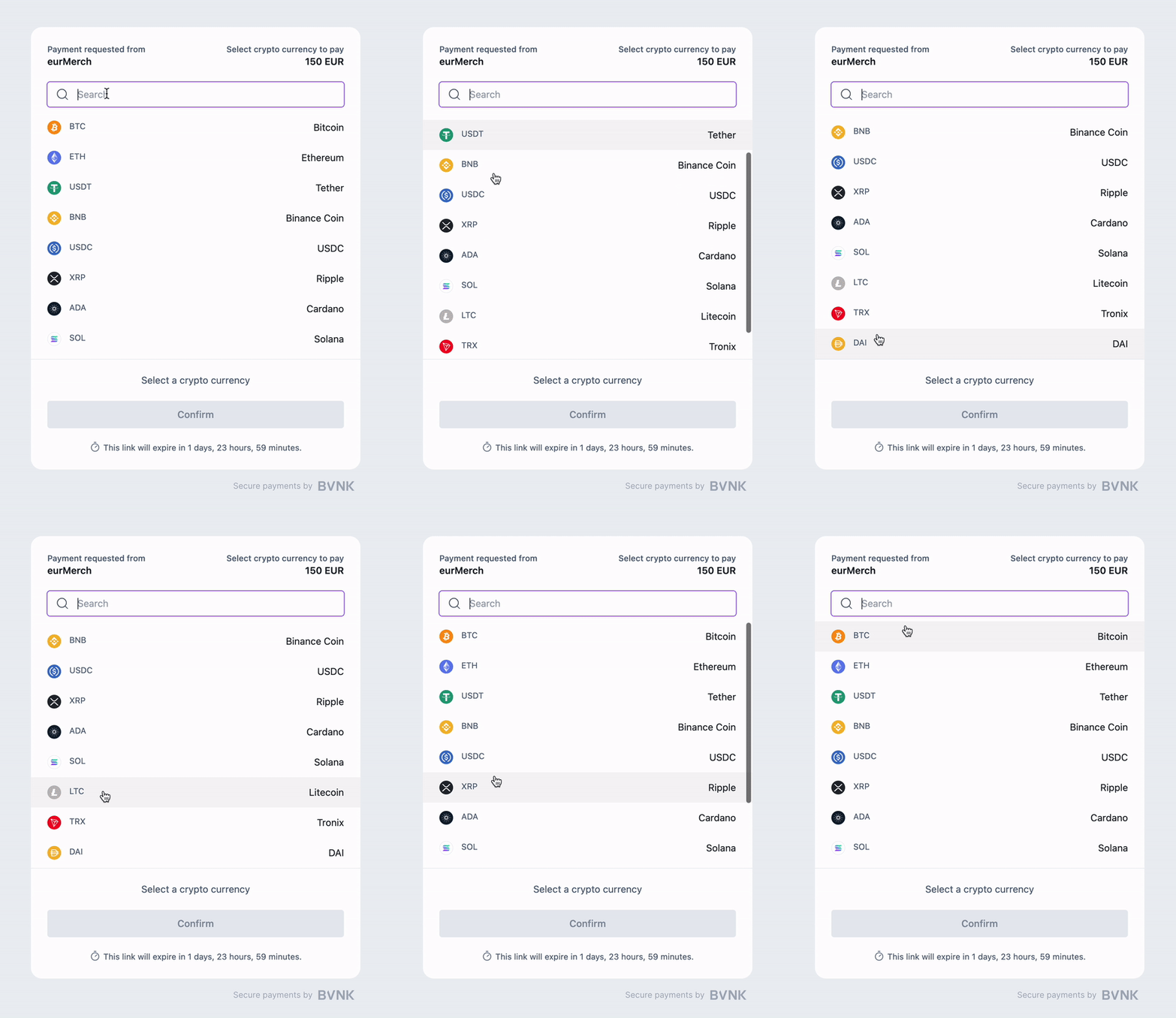
For this method, you will use the BVNK-hosted payments page, as it is the fastest way to add crypto to your payment flows. A single POST /payment/v3/payins call returns both the deposit instructions and the hosted page URL.
Payments pass the following statuses throughout the workflow:
| Status | Immutable? | Description |
|---|---|---|
PENDING_QUOTE_ACCEPTANCE (conditional) | ❌ | Only reached if you create the payin without a chosen currency and network. The customer has not yet picked one and accepted a priced quote on the hosted page. |
PENDING_CUSTOMER_PAYMENT | ❌ | Initial status when the currency and network are known at creation. The payin is priced and waiting for the customer to send funds. |
PENDING_VERIFICATION (conditional) | ❌ | The payment is fully priced with the rate locked, and is waiting on the end customer to confirm it. Only occurs if your account is configured for it. |
PENDING_INFO (conditional) | ❌ | BVNK needs more information from you to release the payment. Only occurs if a Request for Information is triggered. |
PROCESSING | ❌ | BVNK has detected the customer's payment on the blockchain and is processing it toward your wallet. The payment can still expire from here if the customer sent insufficient gas or confirmations don't complete within the expiry window. |
HELD | ❌ | Held for compliance reasons. Reversible: a held payment returns to PROCESSING once cleared. |
COMPLETED | ✅ | Full amount has been received and credited to your wallet in the beneficiary currency. May carry labels: ["OVER"] or labels: ["UNDER"], see below. |
FAILED | ✅ | The payment was attempted from PROCESSING and did not succeed. |
EXPIRED | Usually ✅ | No funds arrived before the payment's expiry window. If a payment later arrives, the same payin can still move on to PROCESSING and COMPLETED, see below. |
A payin that receives the wrong amount still reaches COMPLETED; the mismatch is captured in labels[] instead:
- An overpaid payin carries
labels: ["OVER"]. BVNK creates a linked payout for the difference and references it inrelatedPayments[]. - An underpaid payin carries
labels: ["UNDER"], with no linked payout: the shortfall is simply not credited. - A payin that arrives after
EXPIREDbut still completes carrieslabels: ["LATE"], andstatusHistory[]shows the full detour throughEXPIREDand back toPROCESSING. This is whyEXPIREDis only usually immutable.
For example, a payin asking for 223.05 EUR that receives more ETH than the rate required completes like this:
{
  "status": "COMPLETED",
  "originator": {
    "required": { "currency": "ETH", "amount": "0.13275995" },
    "actual": { "currency": "ETH", "amount": "0.14500000" }
  },
  "beneficiary": {
    "required": { "currency": "EUR", "amount": "223.05" },
    "actual": { "currency": "EUR", "amount": "223.05" }
  },
  "checkout": {
    "required": { "currency": "EUR", "amount": "223.05" },
    "actual": { "currency": "EUR", "amount": "243.61" }
  },
  "labels": ["OVER"],
  "relatedPayments": [
    { "type": "payment:payout", "paymentId": "d4f81c66-3a29-4b7e-9c05-8e2f1a7b6d30" }
  ]
}
See Handle exception scenarios for how to handle each label, and Receive stablecoins via Payment Links for the full create and retrieve flow.
Ready to start? Once you have completed all prerequisites above, you can proceed with the integration: