Postman Collection
You can easily test our API before you start developing your app using our Postman Collection.
This usually helps out immensely prior to any development process has even started.
Download the Postman app and import the collection by downloading it below:

Note: The Postman collection is automatically generated from our OpenAPI specification and matches the structure of the API documentation sidebar. Each new build ensures the collection stays up-to-date with any API changes.
How to setup the collection
- Click the button above to download the Postman collection file
- Open Postman and click Import → File → Select the downloaded collection file
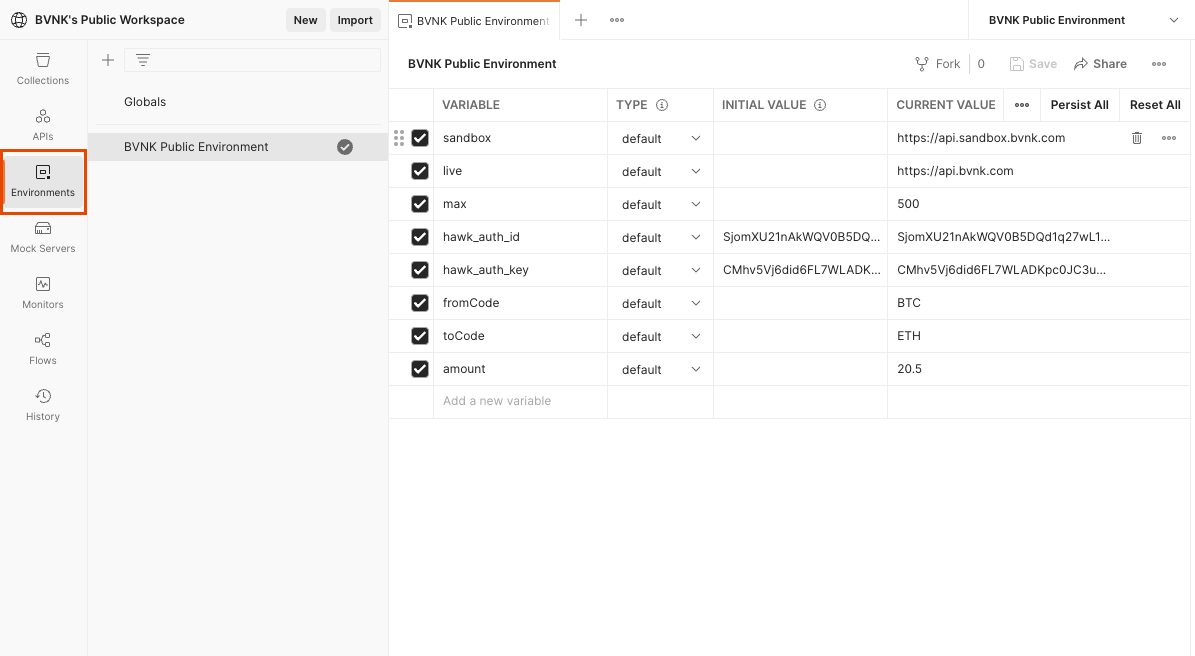
- The collection includes pre-configured variables for
baseUrl,hawk_auth_id, andhawk_auth_key - Update the collection variables with your HAWK AUTH ID and HAWK AUTH KEY that were displayed when you created your API keys
- Set the
baseUrlvariable to either:api.sandbox.bvnk.comfor sandbox environmentapi.bvnk.comfor production environment
Pick an API action from the list
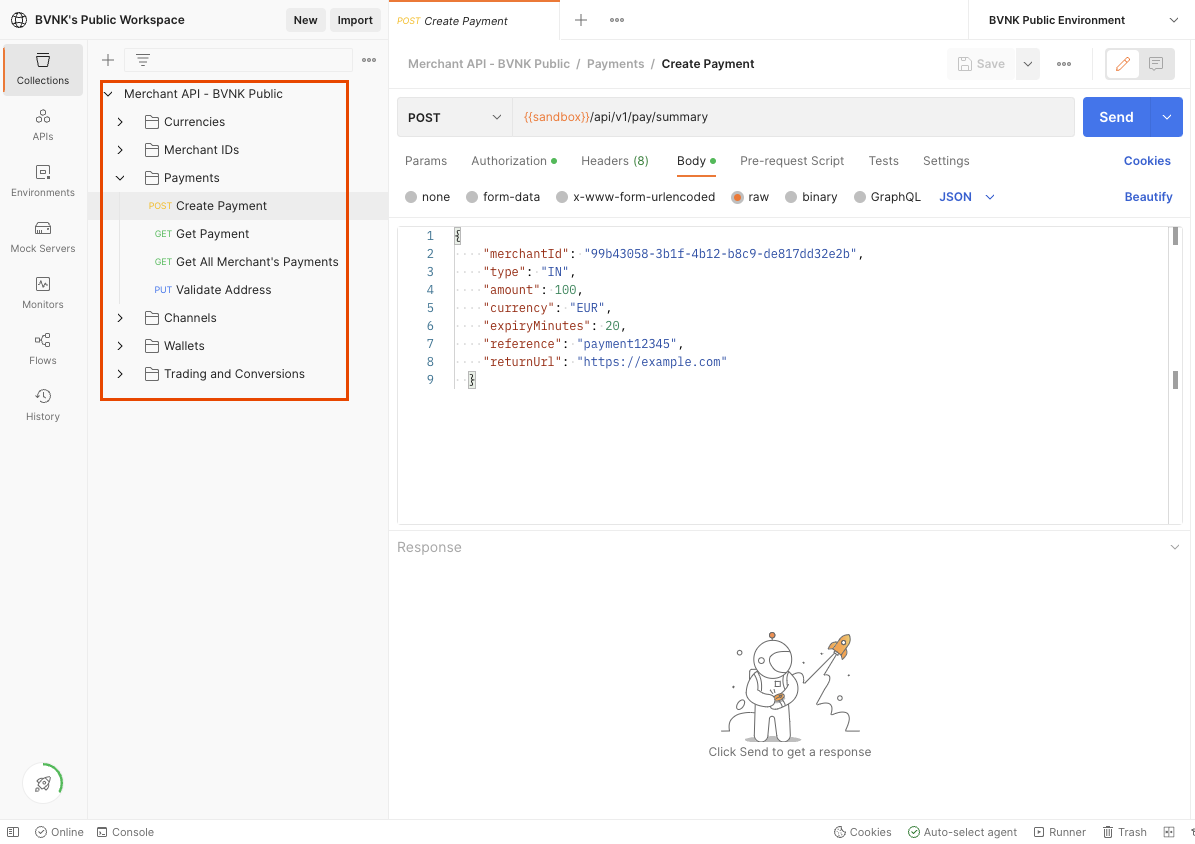
To test individual endpoints and send requests, explore them on the left-hand side of your Postman.